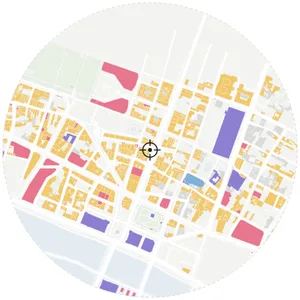
 Functional Areas
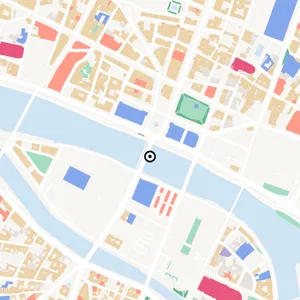 Functional Areas · B
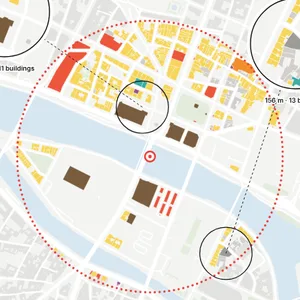 Building Uses
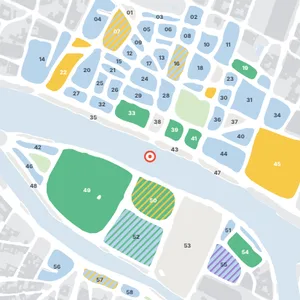 Zoning Plan · B
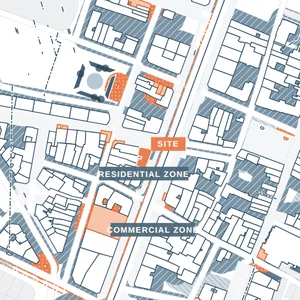 Zoning Plan
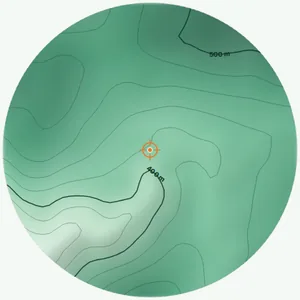 Topography
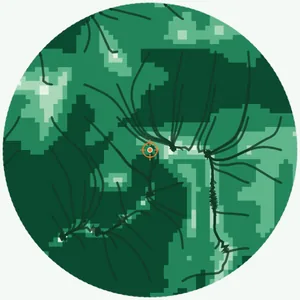 Slope & Drainage
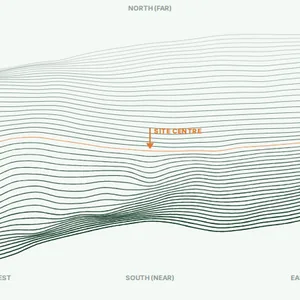 Terrain Wireframe
What is an architecture site analysis diagram?
It is a visual study of the physical and urban conditions around a design site, such as movement, land use, green space, sun, wind and context.
A site analysis maps the conditions around an architecture site – streets, land use, green and water, sun and wind, noise, topography – so design decisions start from facts. Select a site and MapToNap draws them as a coordinated set of editable diagrams from live map data, not AI images. Four analyses are free with no sign-up. Use it for early design, studio boards, competitions and portfolio work, then edit the result instead of tracing everything by hand.
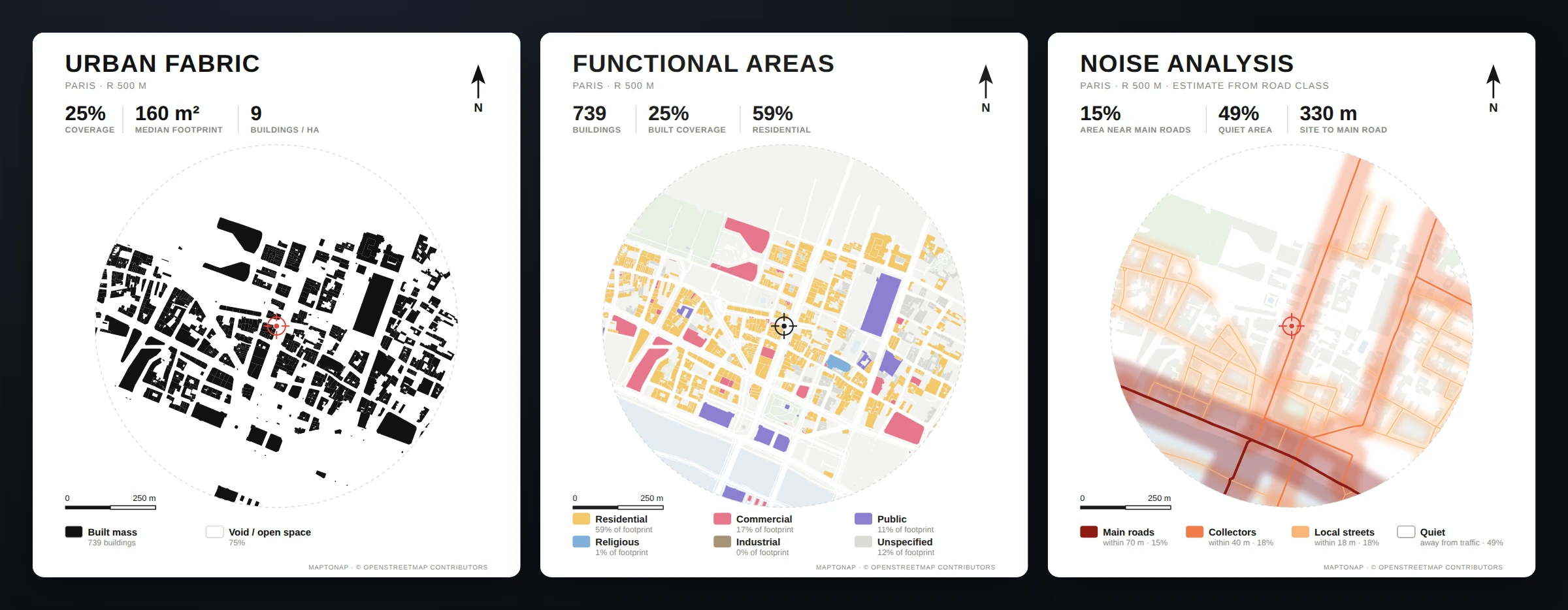
Four analyses are free to generate in the browser. Free exports carry a watermark.
Pro is €7.99 and Max is €12.99 for 30 days each. A full year of Max is €49, paid once. There is no subscription and no automatic renewal.
We email you 3 days before a 30-day pass ends, so you decide whether to buy again.
Generate roads, movement, functional areas, green and water, city context, nodes, sun and wind from a selected site.
Create context mapping boards, station-style node visualisations and grid heat layers directly inside Site Analysis.
Use coordinated themes across multiple analysis diagrams so a project reads as one architectural set.
Search an address or click the map, then choose a useful analysis radius.
Turn on the diagrams you need instead of rebuilding each one from scratch.
Create the set, adjust style and colour, then export individual diagrams or combined outputs.
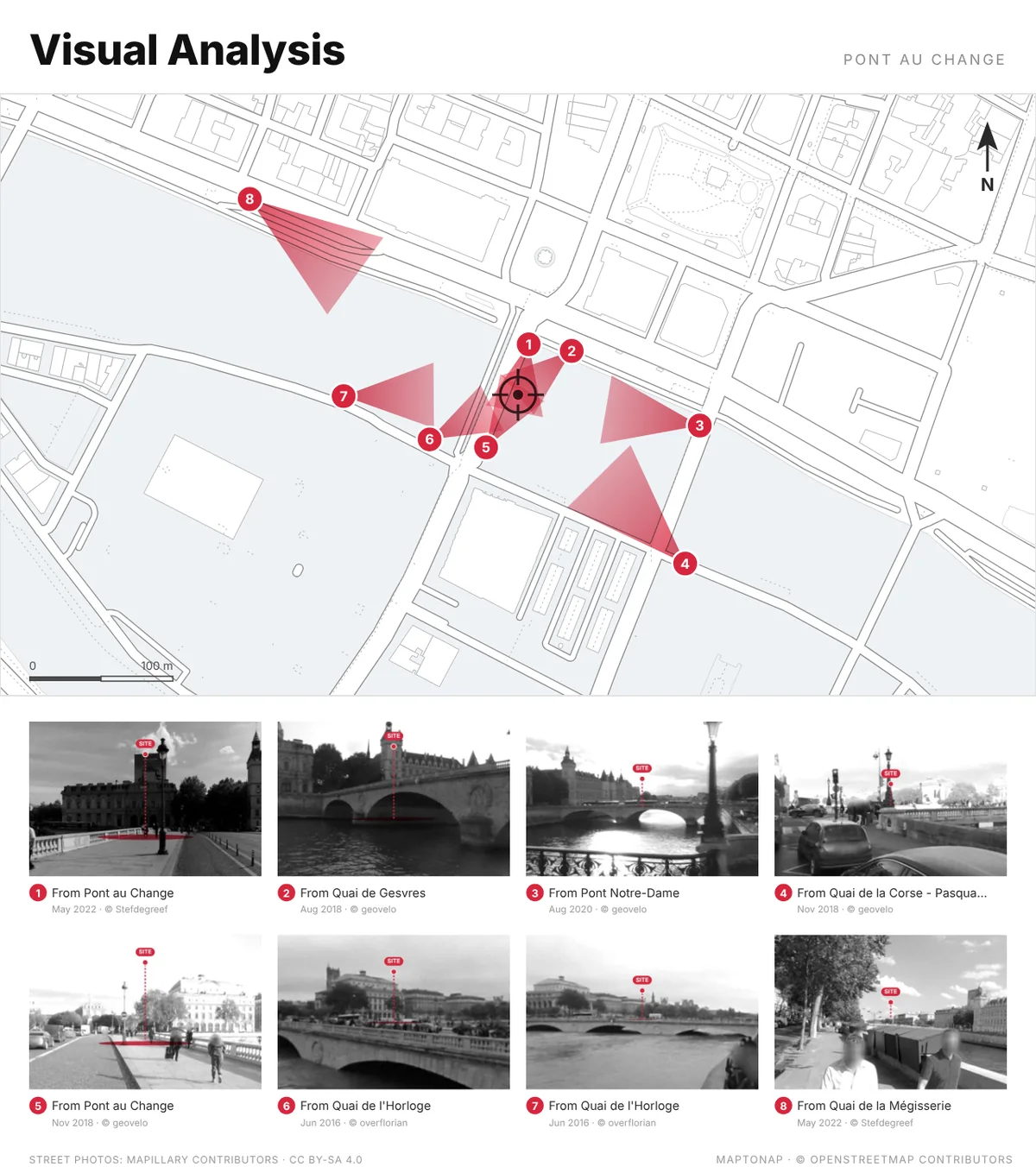
The board looks for street-level photos taken around your site and keeps the ones from which the site can really be seen past the buildings in front. Each becomes a level, greyscale view with the site picked out in red, numbered to its view cone on the plan and credited to its photographer.
A day of real sun and shadow, walking minutes, sightlines and VGA, the impact of your design on its neighbours, the 15-minute city, hour-by-hour footfall and space syntax, all computed in your browser from real map data. Free to try on the Paris sample; your own sites need Max.
Grouped by what they analyse. Each one is drawn for your address from real data; the label shows whether it is free, Pro or Max.
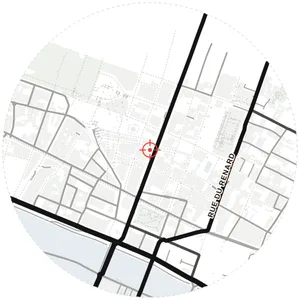 Roads & Streetsprimary, secondary, pathsFree
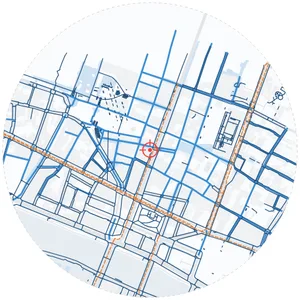 Pedestrian Networkwalkways, paths & plazasPro
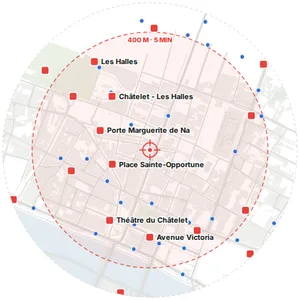 Transit Accesswalking time to stopsPro
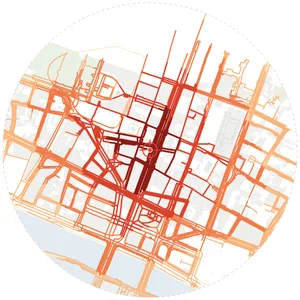 Access Analysisisochrone from sitePro
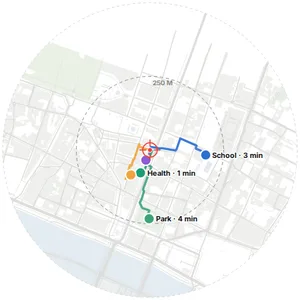 Walk Accessibilityreal street routing to key destinationsPro
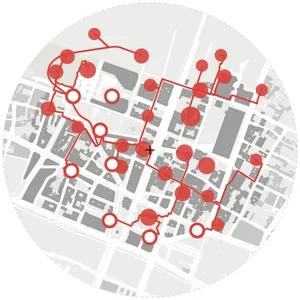 Stay Places & Connectionspedestrian analysis · walking routesMax
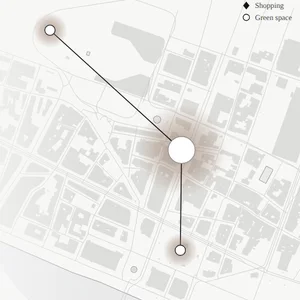 Central & Accessiblecontours + links to destinationsMax
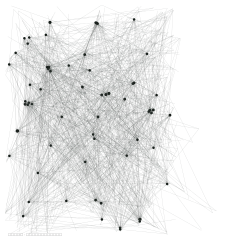 Street Connection Fieldintersection proximity, not measured flowsPro
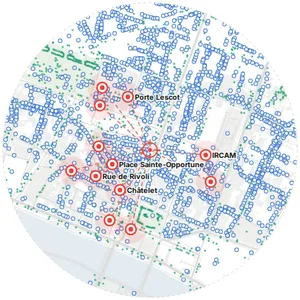 Node Analysisspatial nodes & axesPro
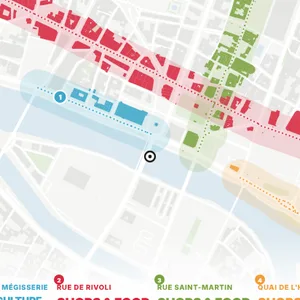 Street Corridorsmain streets and what lines each onePro
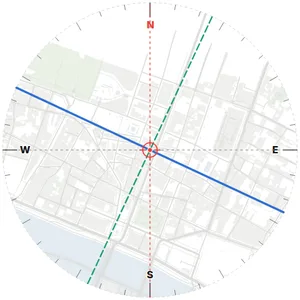 Orientationcardinal directionsPro
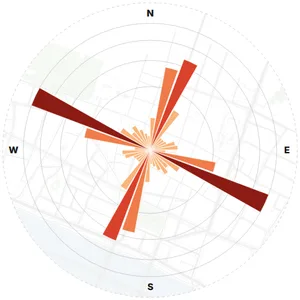 Orientation Rosestreet bearing distributionPro
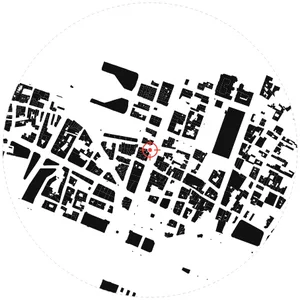 Urban Fabricbuilding morphologyFree
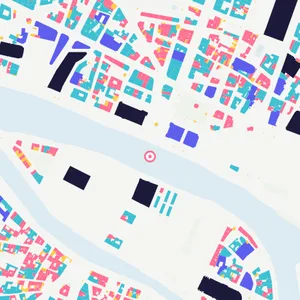 Urban Fabric · Bfigure-ground by footprint sizePro
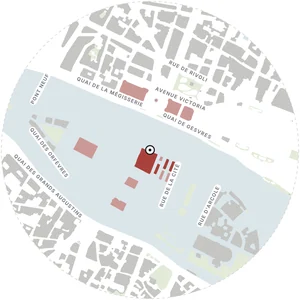 Urban Fabric · Generalisationbuildings merged into blocks · street names placedMax
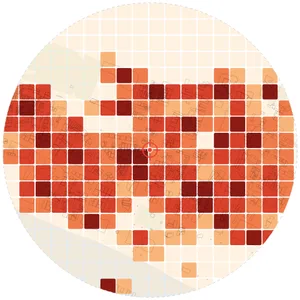 Building Densityfloor area ratio & coveragePro
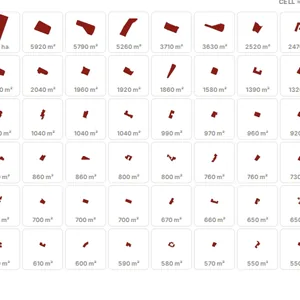 Building Typologyfootprint catalogue by areaPro
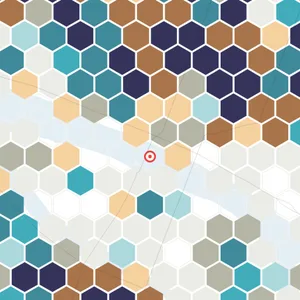 Bivariate Hex Gridbuilding coverage × amenities per hexagonMax
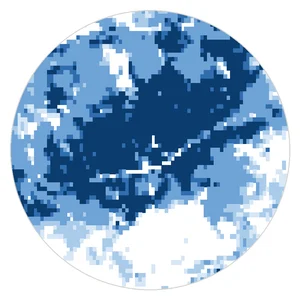 Urban Growthwhen each block became built-up · 1975–2020Pro
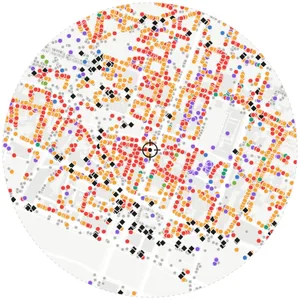 POI Type Mapamenities by categoryPro
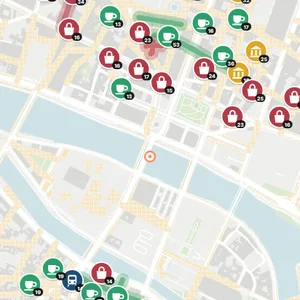 POI Type Map · Bcategory badges + busiest shopping streetsPro
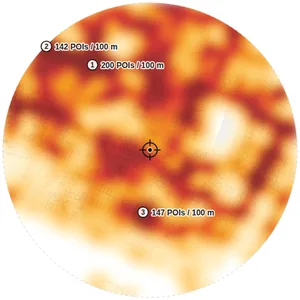 POI Density Heatamenity concentrationPro
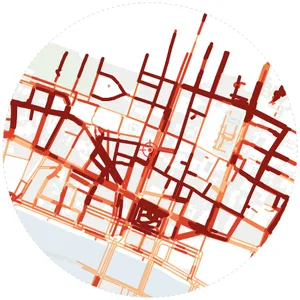 Street VitalityPOI density & activityPro
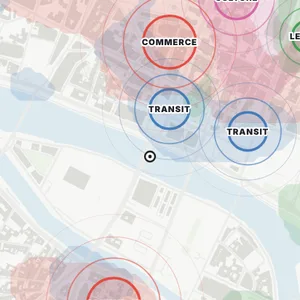 Activity Centreswhere each kind of facility clustersPro
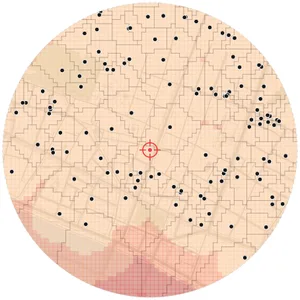 Service Territoriesvoronoi catchment & gapsPro
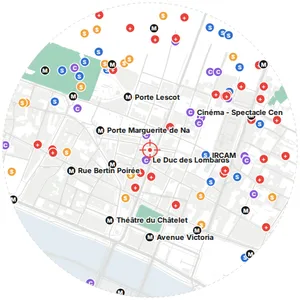 Annotated Mapnearest facilities on real mapPro
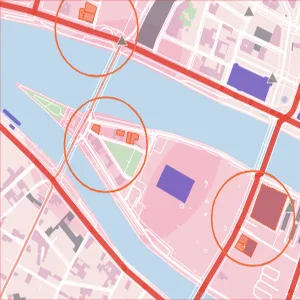 Places & Timesfour places · opening hours · what happensMax
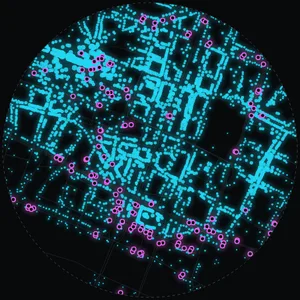 Urban Data · Nodesreal POI & transit nodesMax
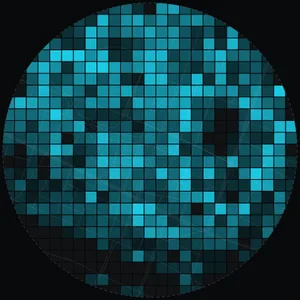 Urban Data · GridPOI count per grid cellMax
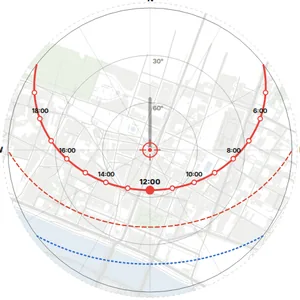 Sun Pathsolstice + equinox arcsPro
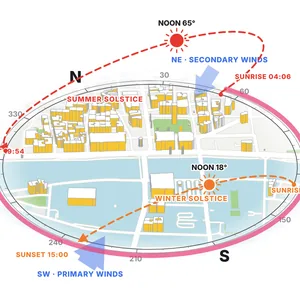 Sun & Wind Axonometricsolstice sun paths · sunlit facades · prevailing windsPro
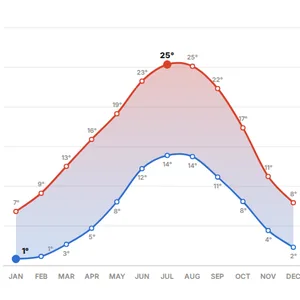 Temperature Yearmonthly high / low (°C)Pro
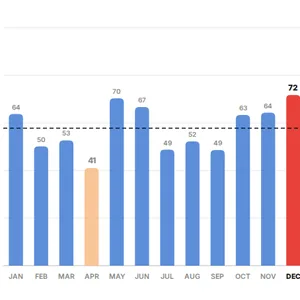 Precipitation Yearmonthly rainfall (mm)Pro
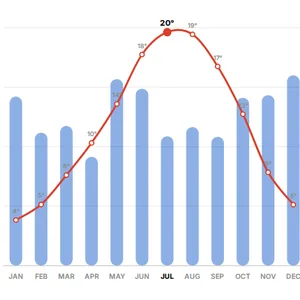 Annual Climatetemp + rainfall climographPro
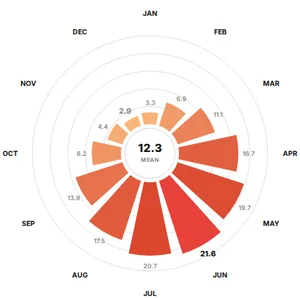 Solar Radiationshortwave MJ/m²·dayPro
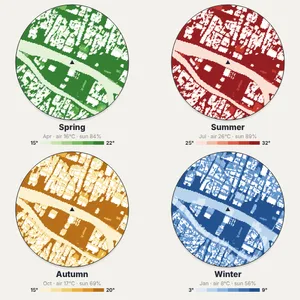 Four Seasons · 2 PMfeels-like in sun, shade & wind · simplifiedMax
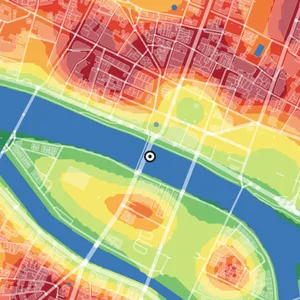 Urban Heat · Estimaterelative heat from ground cover, not measuredPro
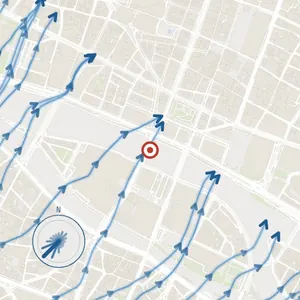 Wind Flowprevailing flow around blocksPro
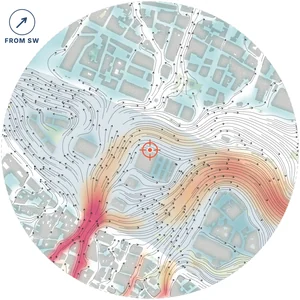 Wind · Flow Simulation2D lattice Boltzmann on your GPU · shelter and corridorsMax
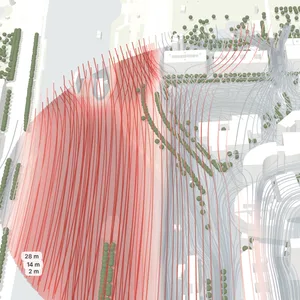 Wind · 3D Flowstreamlines at 2, 14 and 28 m around real heightsMax
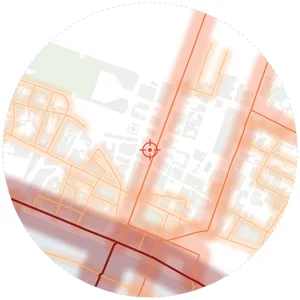 Noise Analysisroad traffic noise zonesPro
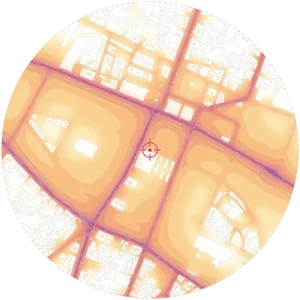 Road Noise · Aural Topographysound rays from every street · building shieldingMax
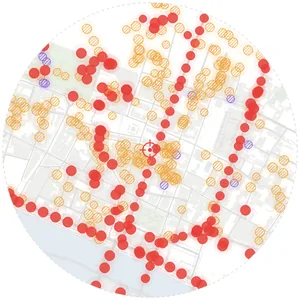 Sound Sourcesmodelled acoustic sources by typePro
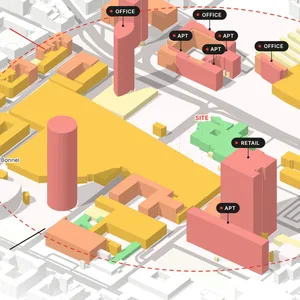 Urban Context Axonometric3D city model · floors by colour · uses & sectionsFree
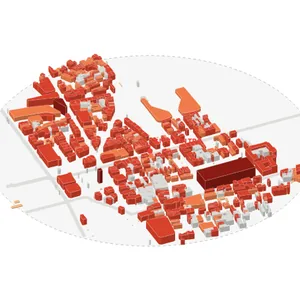 Isometric Massingper-building 30° extrusionPro
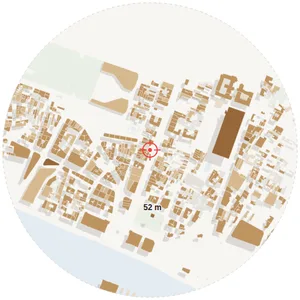 Building Massingheight & shadow on real mapPro
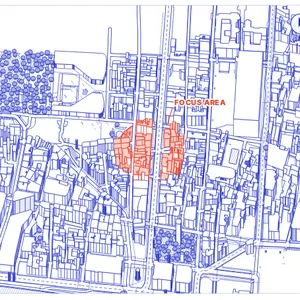 Line Axonometricplan oblique · real heights · focus in redMax
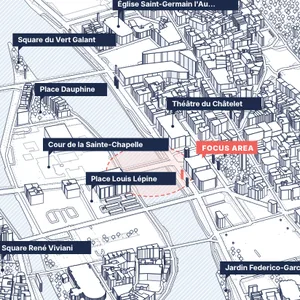 Line Axonometric · Bisometric · real heights · name tagsMax
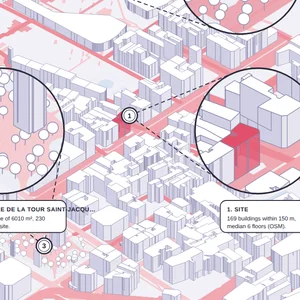 Axonometric Callouts3D massing + magnified detailsMax
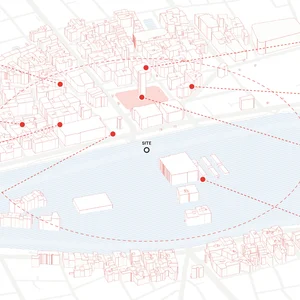 Active & Lost Spacesline axonometric · used and left-over places in circlesMax
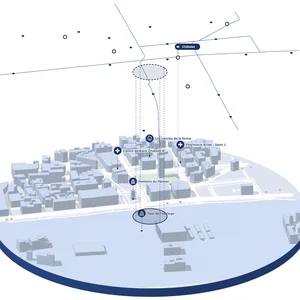 Transit Layerscity disc + floating layer of lines and stopsMax
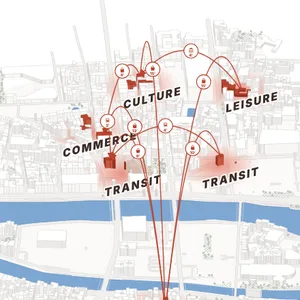 Centres & Connectionsaxonometric · walking links between centresMax
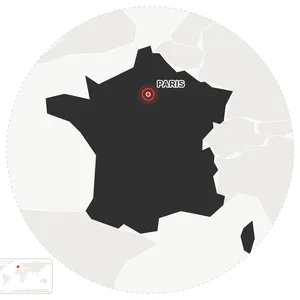 Locationsite within countryPro
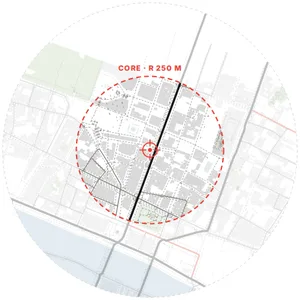 City Contextsite location in cityPro
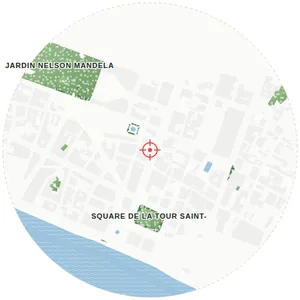 Green & Waterparks, forests, riversFree
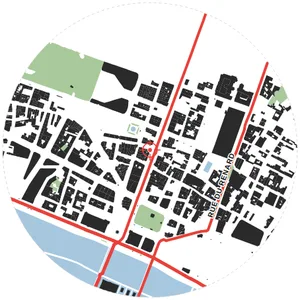 Combined Overlayroads + green + buildingsPro
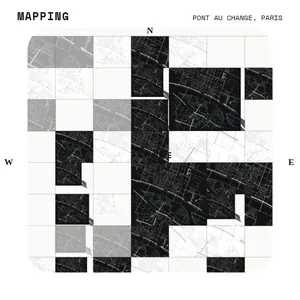 Context Mapping Boardmulti-scale atlas collageMax
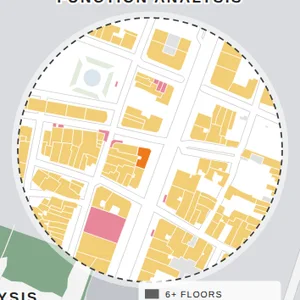 Site Inset Boardfocus map + 4 circular analysesMax
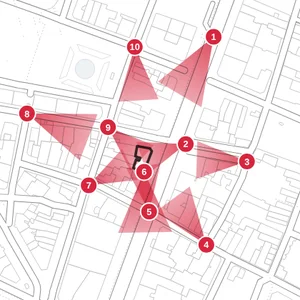 Visual Analysisnumbered views with real street photosMax
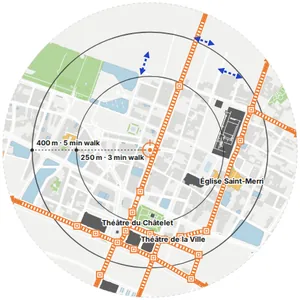 Opportunities & Constraintsland use · main streets · walking radiiMax
It is a visual study of the physical and urban conditions around a design site, such as movement, land use, green space, sun, wind and context.
Yes. The analysis types are selectable, so you can generate only the diagrams relevant to the project.
For context mapping workflows, MapToNap can also use an uploaded image as a source.
You can start for free. Four analyses can be generated for free without signing up, with a watermark on exports. Pro and Max need a one-time 30-day pass, and there is no subscription.
No. A 30-day pass expires on its own. We email a reminder 3 days before it ends, and you decide whether to buy again.
No. They are generated from map data, analysis rules and editable graphic geometry.
Yes. The Visual Analysis board (Max) draws numbered view cones on the plan and fills each with a real street-level photo from Mapillary, taken where the site can really be seen past the buildings in front, with the site picked out in red. The photos are CC BY-SA 4.0 and every photographer is credited on the board.
Eight studies of the site that go beyond diagrams: 24 hours of real sun and shadow, walking isochrones, isovists and visibility graph analysis (VGA), the impact of a proposed design on sun, views and walking, the 15-minute city, an hour-by-hour footfall model, space syntax (how well each street is connected) and WHAT IF?, a 3D model of the real site where you change a building, close a street or add a block and measure what changes. It runs in your browser on real map data, is part of Max and is free to try on the Paris sample.
Yes, in Max. Road Noise · Aural Topography traces sound rays from every street and lets the buildings block them, drawn as 3 dB bands; the levels are estimated from road classes, not measured. Wind · Flow Simulation runs a 2D lattice Boltzmann simulation around the real buildings on your graphics card and marks the sheltered areas and wind corridors for a wind direction you choose. Both are computed in your browser; neither replaces an engineering noise or wind study.
Space syntax reads how each street sits in the network around it. MapToNap's Deep Analysis runs an angular segment analysis of the real street network and draws integration (the streets easiest to reach) and choice (the through-routes) at 400, 800 or 1200 m. It is free to try on the Paris sample. How the space syntax study works.
Yes. Urban Fabric · Generalisation (Max) merges the buildings into blocks the way a cartographer would, joining neighbours within 2.5 m, filling small courtyards and simplifying the outlines, then places the street names automatically where they fit. In central Paris the drawing has about 70% fewer vertices than the raw footprints.
Last updated: October 2026