Is this a CFD study?
No. It is a simplified flow at pedestrian level for early design: it shows the pattern of the wind around the blocks, not certified wind speeds. It does not replace an engineering wind or pedestrian comfort study.
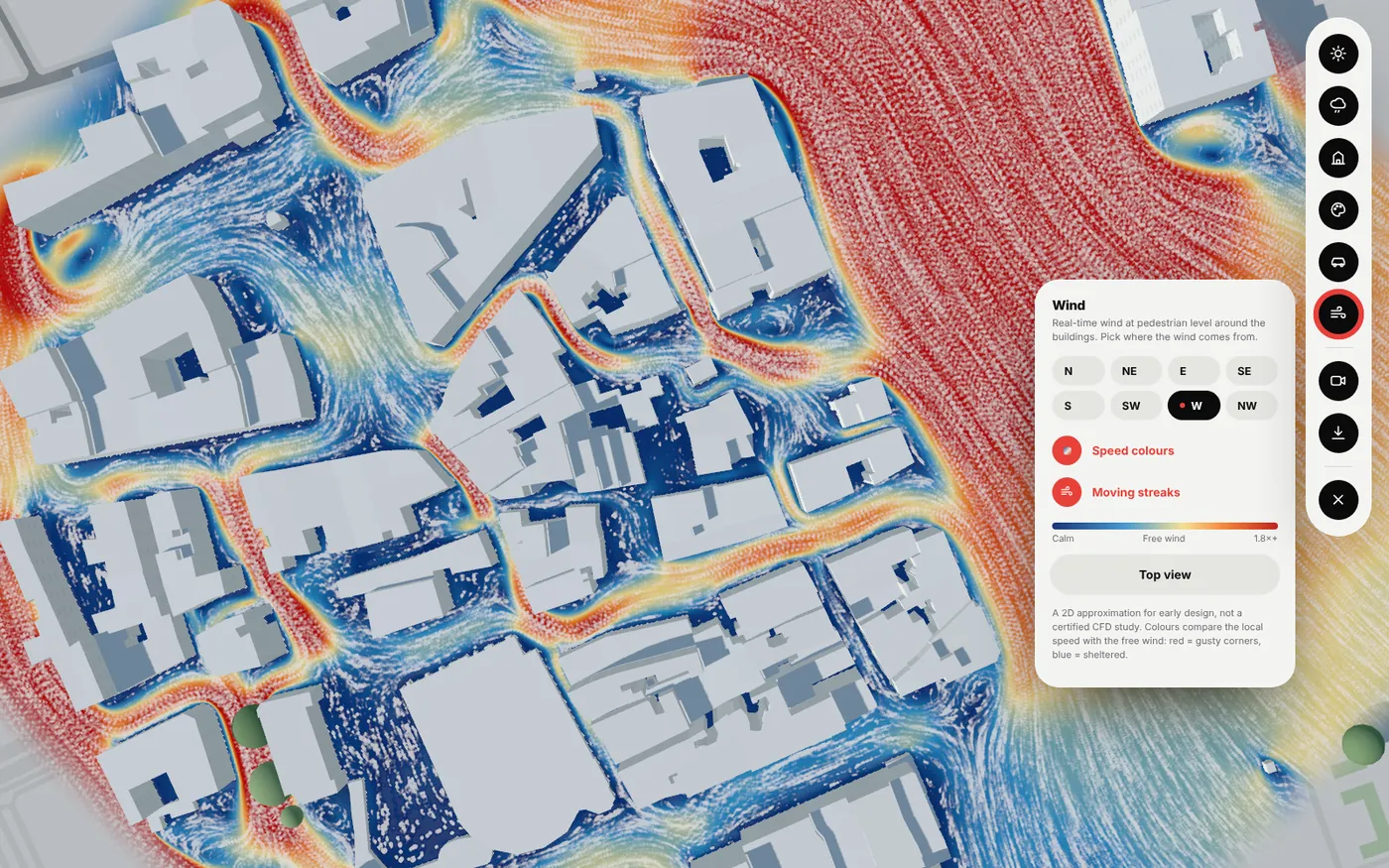
Pick where the wind comes from and MapToNap shows it flowing around the real buildings of your site, live in the 3D model. Fast corners and channelled streets turn red, sheltered courtyards stay blue, and moving streaks show where the air goes.
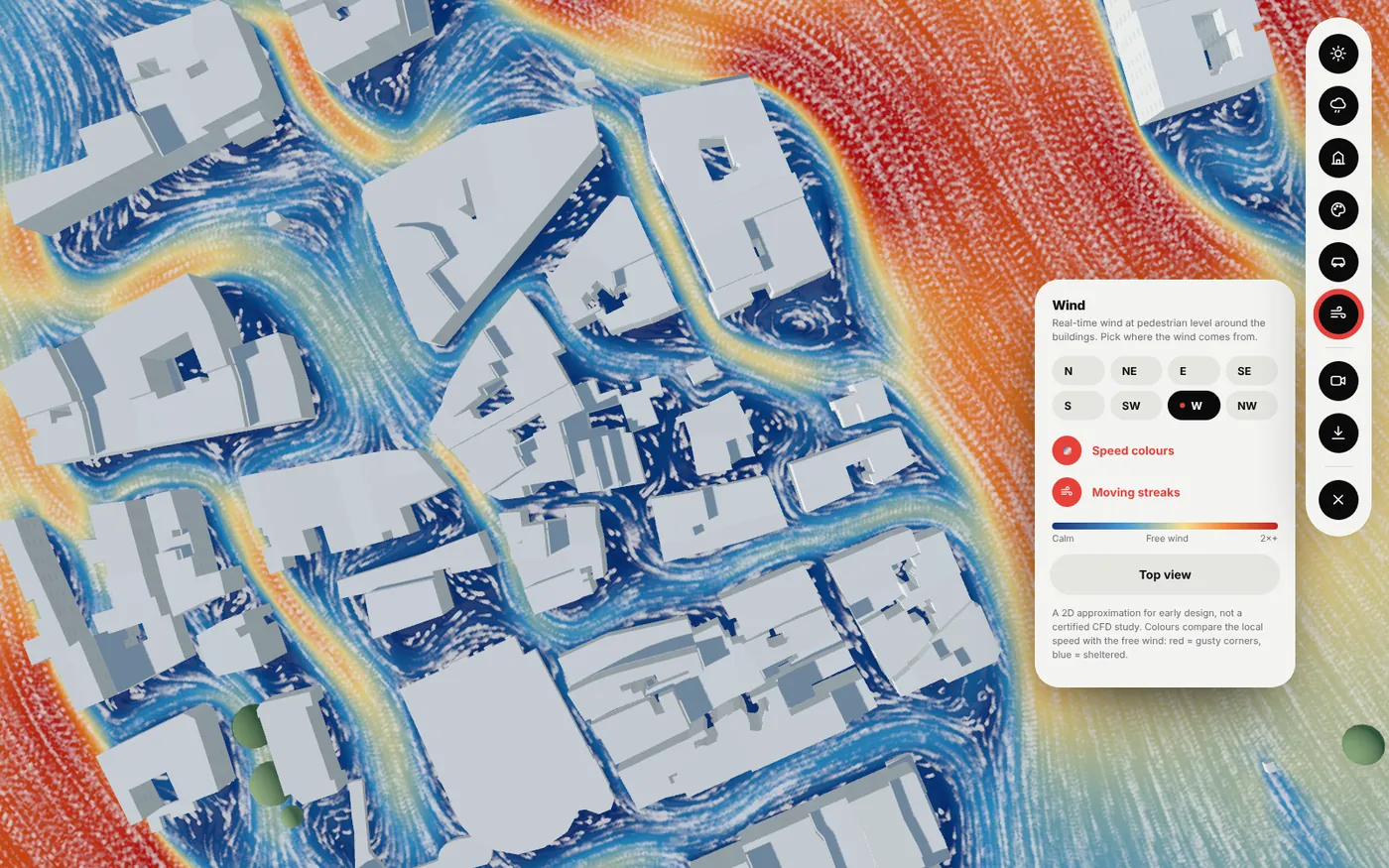
The flow is worked out around the footprints and heights of the buildings in your model, so every site gives a different picture.
Colours compare the local speed with the free wind: red for gusty corners and wind corridors, blue for sheltered places. Moving streaks show the direction.
Choose north, north-east, east and so on; the flow settles in a few seconds. Use the top view for a plan diagram, or orbit around the massing.
Everything is drawn live by your graphics card. It runs best on a recent laptop or desktop; on older machines and phones it can be slow, and the laptop fan may start.
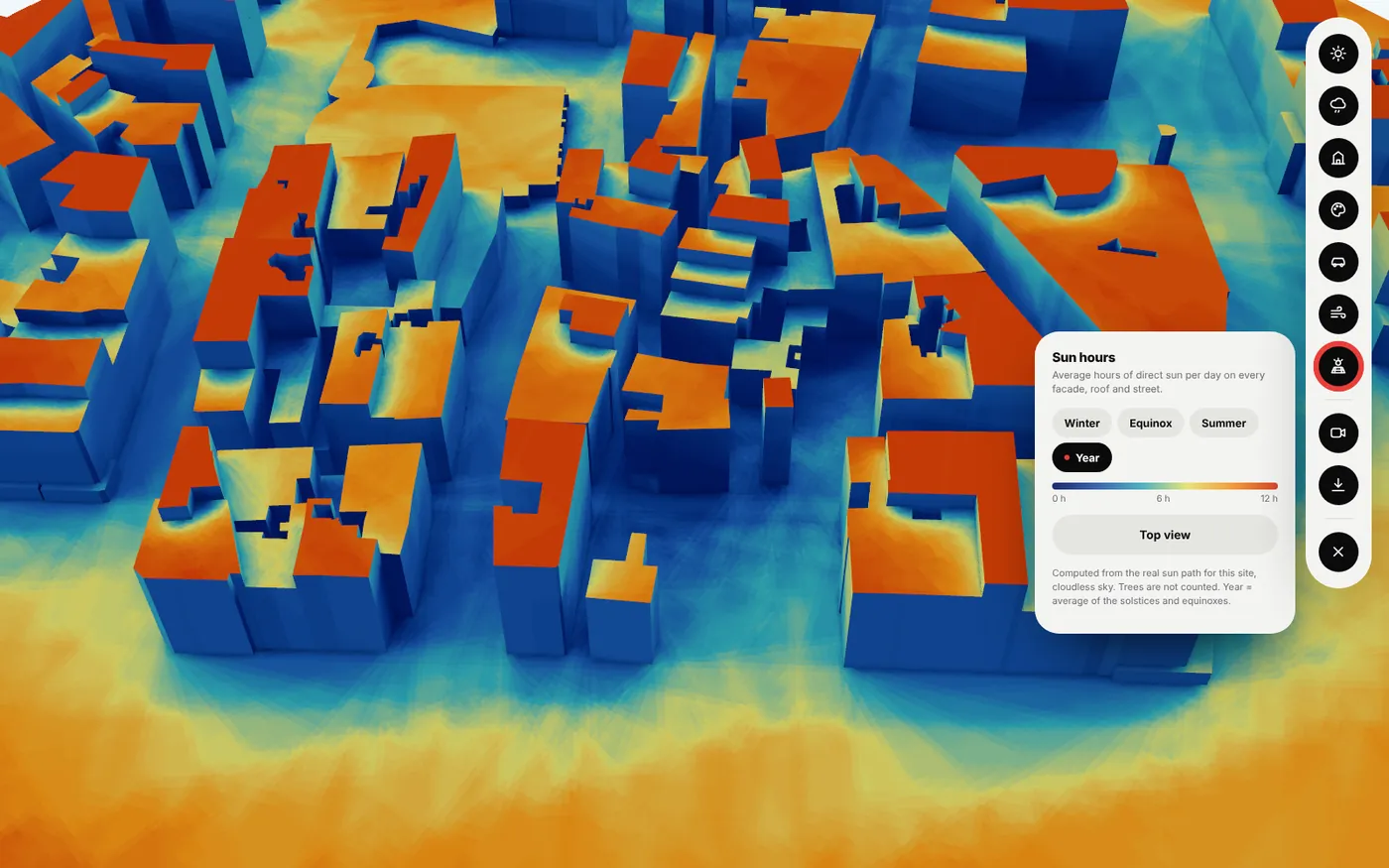
Map data © OpenStreetMap contributors, available under the Open Database Licence. The images are screenshots of the MapToNap 3D view, shown as previews.
Search an address or click the map, then open 3D Site and generate the model of the area.
On the 3D view, press Atmosphere. The model opens with the sky, light and shadows of that place.
Switch between the panels on the side, then save a still image or a 10-second video for your board or slides.
No. It is a simplified flow at pedestrian level for early design: it shows the pattern of the wind around the blocks, not certified wind speeds. It does not replace an engineering wind or pedestrian comfort study.
The prevailing direction of your site. The Wind Flow drawing in the 2D analyses reads it from a ten-year climate record for the point you pick, so you can use that direction here.
Yes. Save a still image of the view, or record a 10-second video of the streaks moving for a presentation.
Atmosphere is part of 3D Site, which needs a MAX pass (€14.99 for 30 days or €49 for a year, one-time payment).
It runs in the browser and uses the graphics card heavily. A recent laptop or desktop works best; older machines and phones may be slow.