Home / Guides / Diagram colour palettes
Architecture diagram colours

Architecture diagram colour palettes: 25 refined schemes with HEX codes

Most of what makes a site analysis diagram look good is colour. Here are the 25 real palettes in MapToNap, grouped by figure-ground, land use, streets and green space, each with a rendered example and its HEX codes. Like one? Apply it to your own site in one click.
25 real palettesClick to copy HEXLight and darkApply to your own site
Land use map in the terracotta palette
25 palettes

Pick a palette by drawing type

Every palette below is a real scheme you can switch to in one click in MapToNap. Each image is the same site (Île de la Cité, Paris, 600 m radius) drawn in that palette. Click a swatch to copy its HEX code for Illustrator, Photoshop or Rhino.
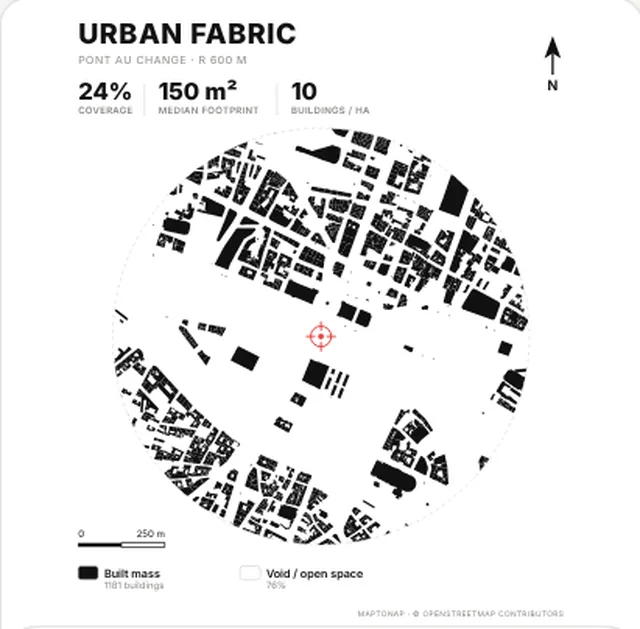
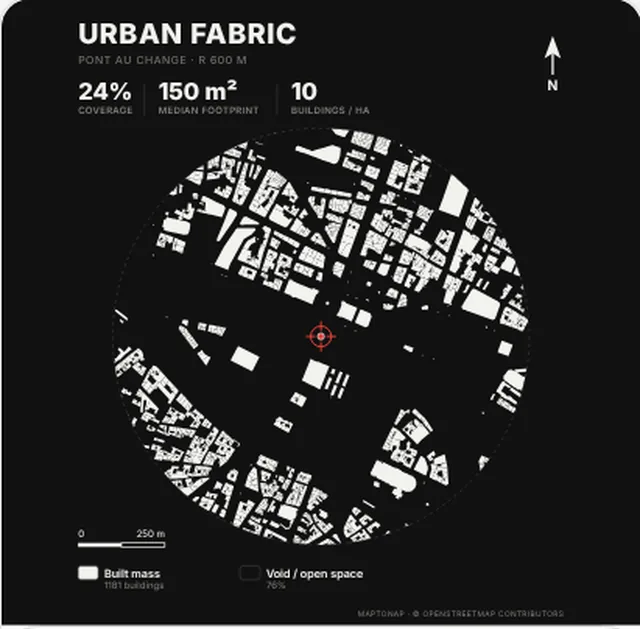
Figure-ground

Figure-ground palettes

Figure-ground map in the Classic black palette, generated with MapToNap, Île de la Cité, Paris
Classic black
The safe default: prints and photocopies cleanly.
Figure-ground map in the Inverse palette, generated with MapToNap, Île de la Cité, Paris
Inverse
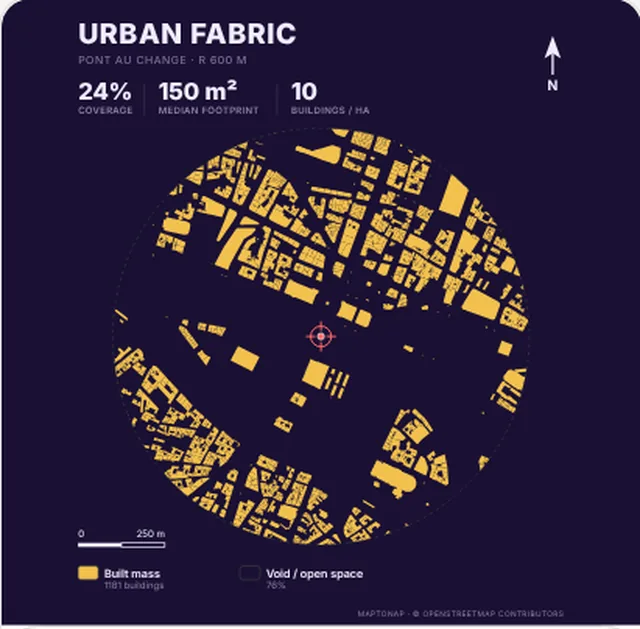
White buildings on near-black, for dark portfolio layouts.
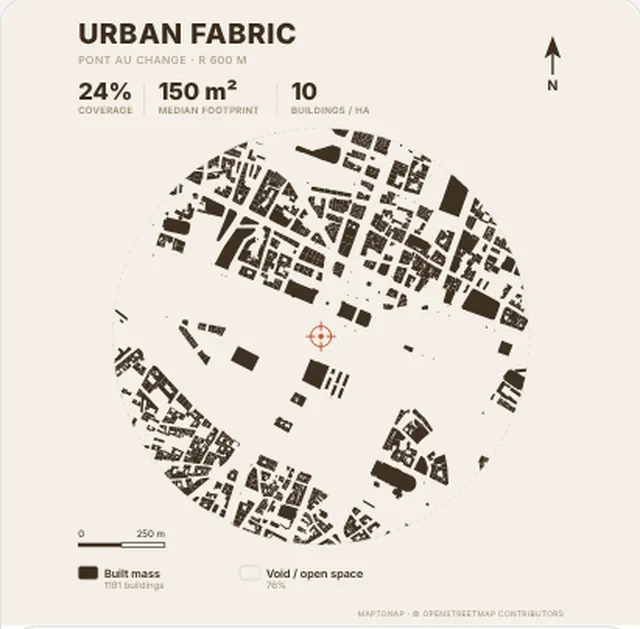
Figure-ground map in the Kraft palette, generated with MapToNap, Île de la Cité, Paris
Kraft
Warm brown on paper beige, good for historic centres.
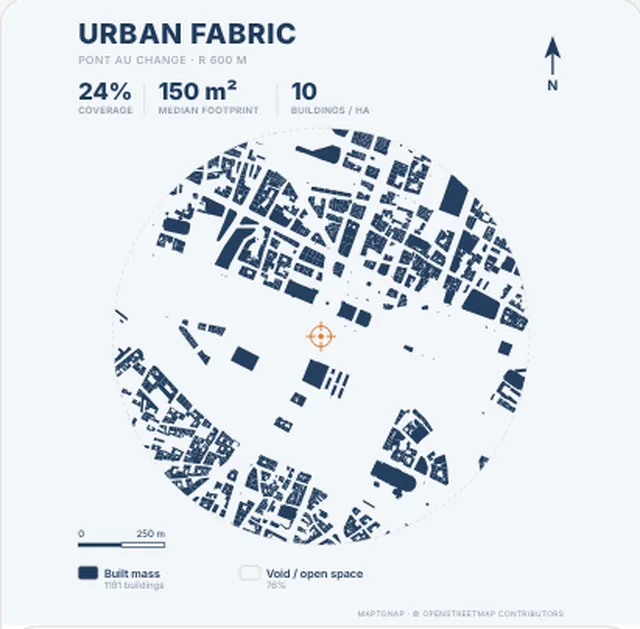
Figure-ground map in the Navy palette, generated with MapToNap, Île de la Cité, Paris
Navy
Deep navy with an orange accent: calm and precise.
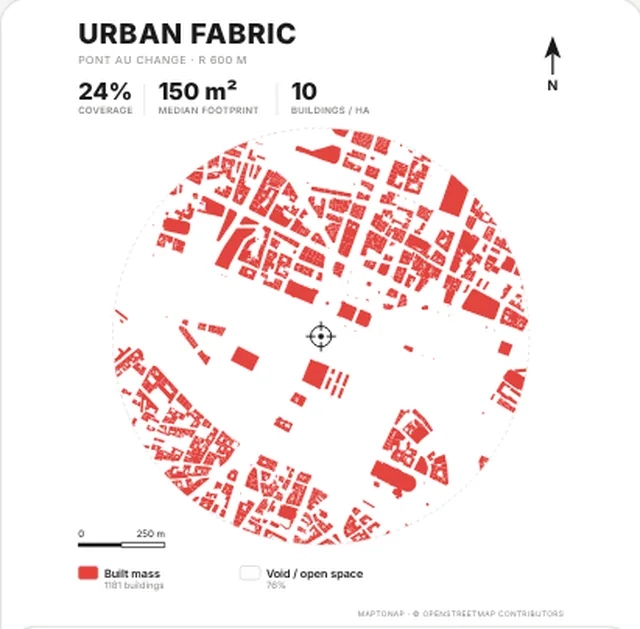
Figure-ground map in the Vermilion palette, generated with MapToNap, Île de la Cité, Paris
Vermilion
Built mass in vermilion for a poster-like board.
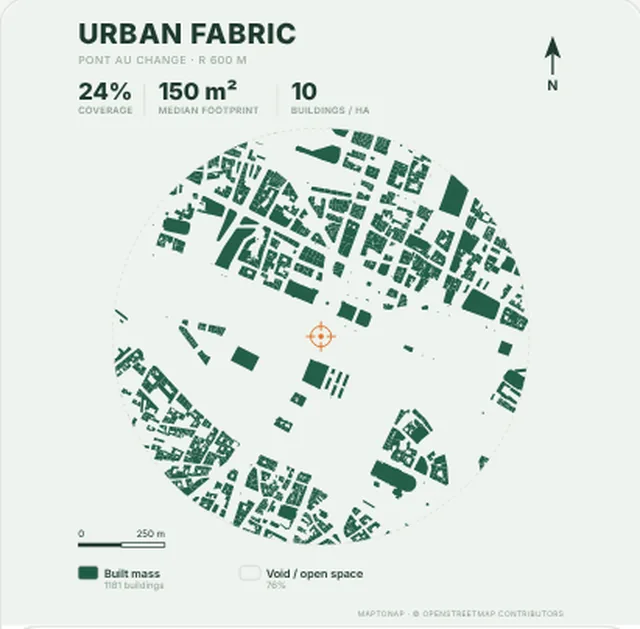
Figure-ground map in the Forest palette, generated with MapToNap, Île de la Cité, Paris
Forest
Forest green on pale sage, for landscape projects.
Figure-ground map in the Midnight gold palette, generated with MapToNap, Île de la Cité, Paris
Midnight gold
Gold on midnight violet, for covers and exhibitions.
Land use

Land use palettes

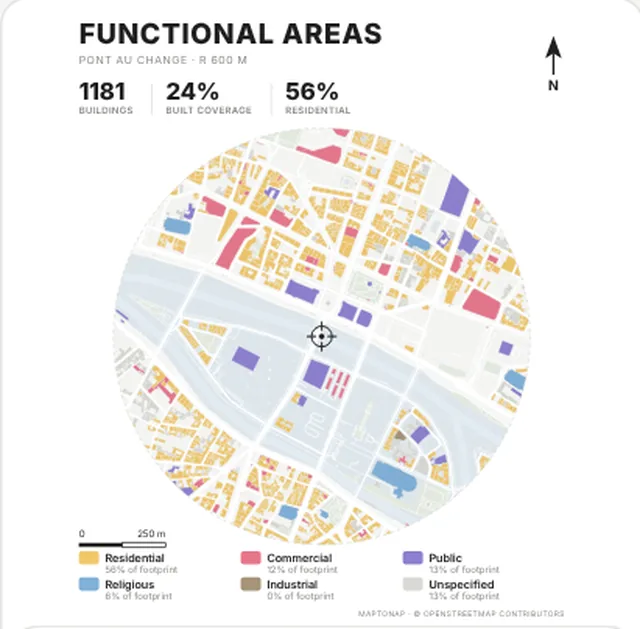
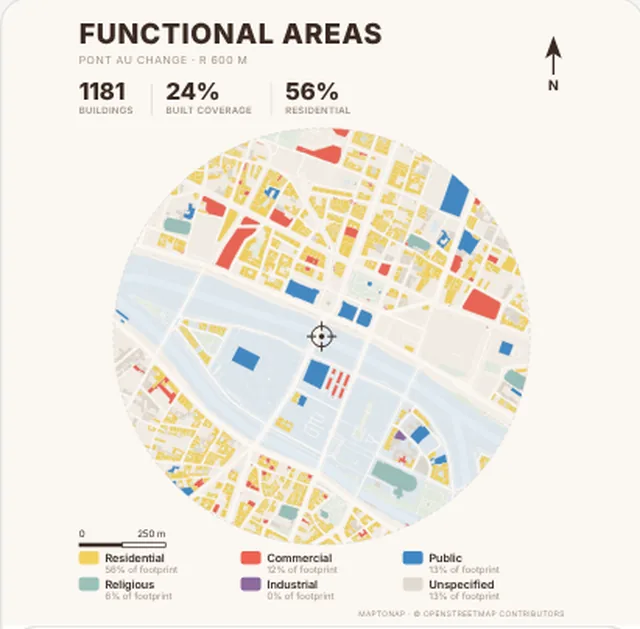
Land use map in the Bright palette, generated with MapToNap, Île de la Cité, Paris
Bright
Clear yellow, pink, violet and blue; easiest to read.
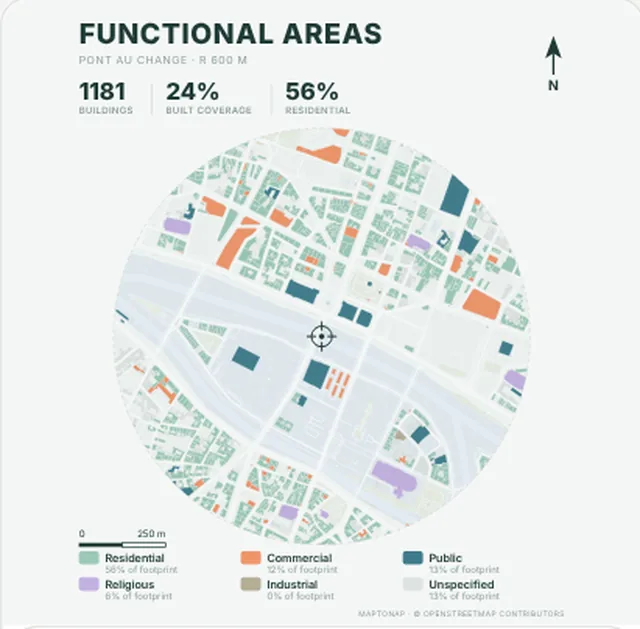
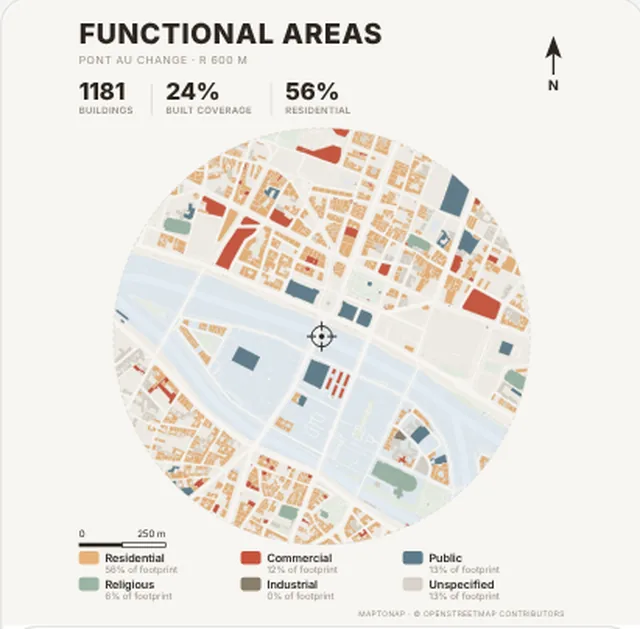
Land use map in the Terracotta palette, generated with MapToNap, Île de la Cité, Paris
Terracotta
Terracotta and slate blue; warm and understated.
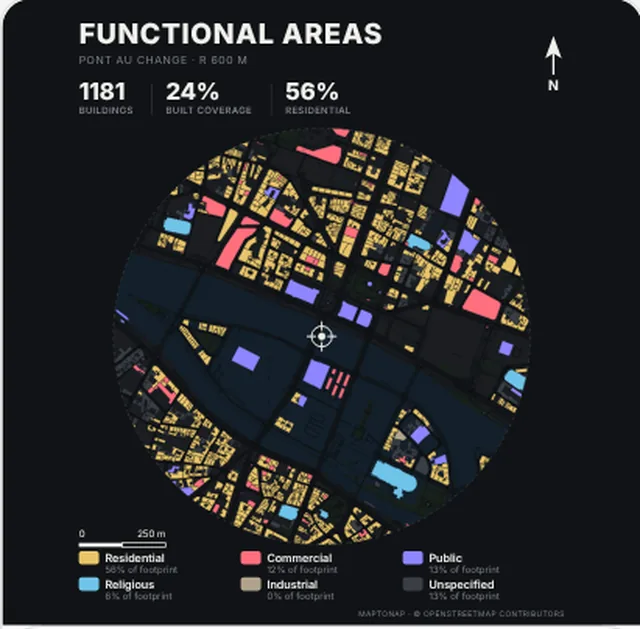
Land use map in the Night palette, generated with MapToNap, Île de la Cité, Paris
Night
Saturated uses on a dark base, made for screens.
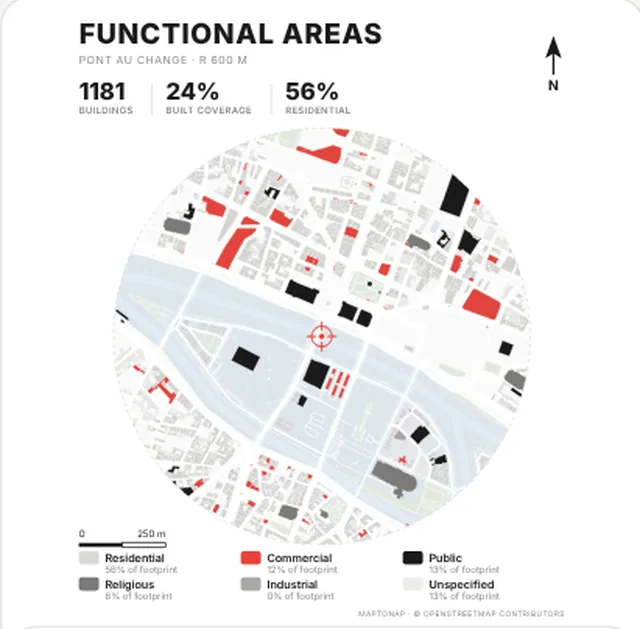
Land use map in the Red and grey palette, generated with MapToNap, Île de la Cité, Paris
Red and grey
Only red, black and grey to single out one use.
Land use map in the Mint and coral palette, generated with MapToNap, Île de la Cité, Paris
Mint and coral
Mint housing and coral retail; fresh, never loud.
Land use map in the Mediterranean palette, generated with MapToNap, Île de la Cité, Paris
Mediterranean
Sun yellow, tomato red and sea blue in balance.
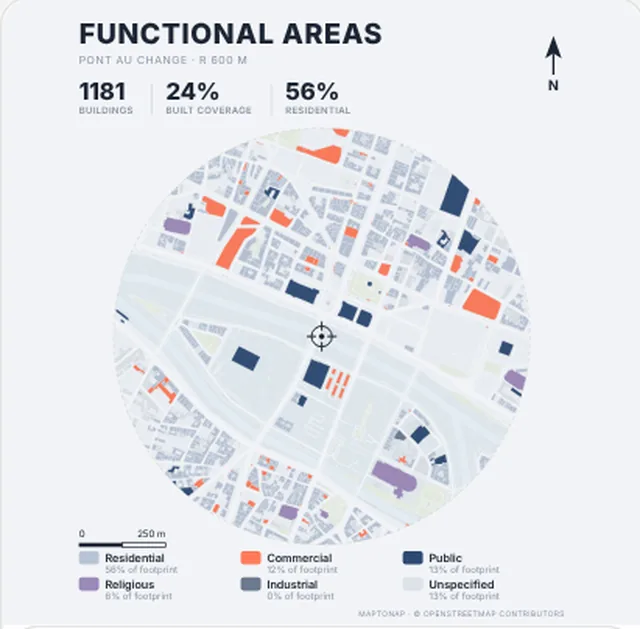
Land use map in the Fog blue palette, generated with MapToNap, Île de la Cité, Paris
Fog blue
Grey-blue with a touch of orange; restrained.
Streets and roads

Streets and roads palettes

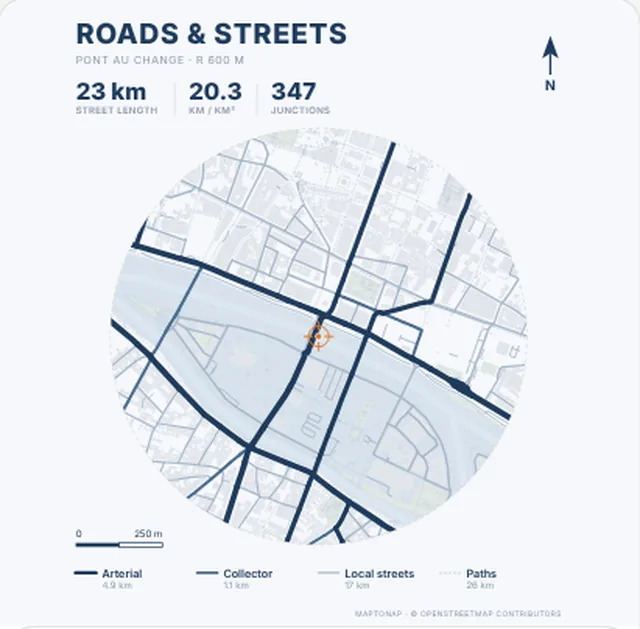
Streets and roads map in the Navy palette, generated with MapToNap, Île de la Cité, Paris
Navy
Road hierarchy in shades of navy.
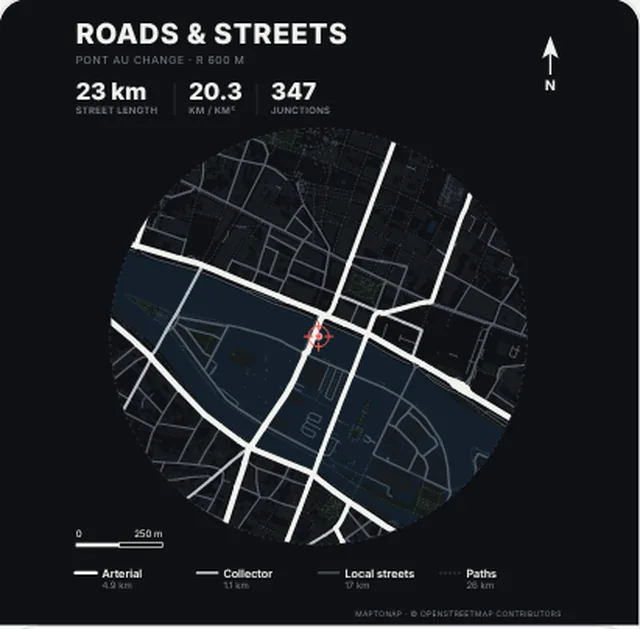
Streets and roads map in the Night palette, generated with MapToNap, Île de la Cité, Paris
Night
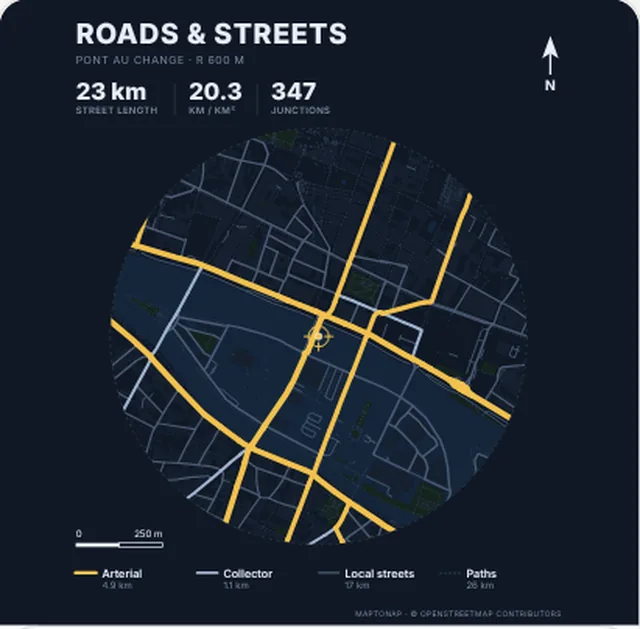
White arterials on black, like a night aerial.
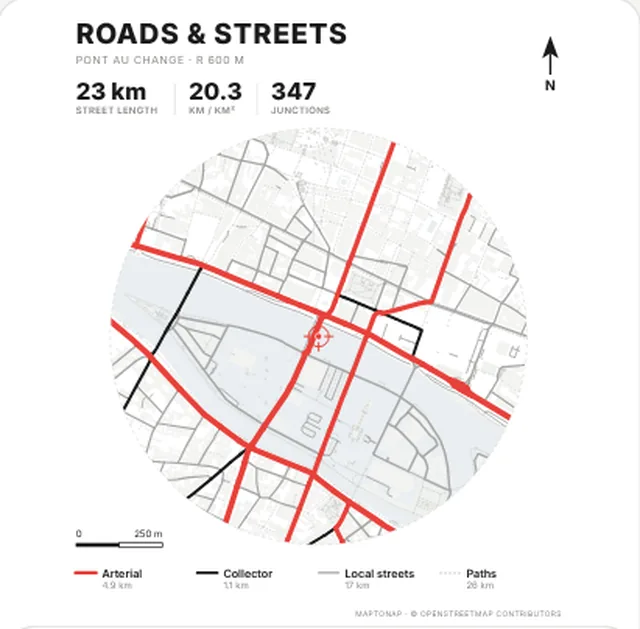
Streets and roads map in the Red arterials palette, generated with MapToNap, Île de la Cité, Paris
Red arterials
Red arterials, black collectors, grey local streets.
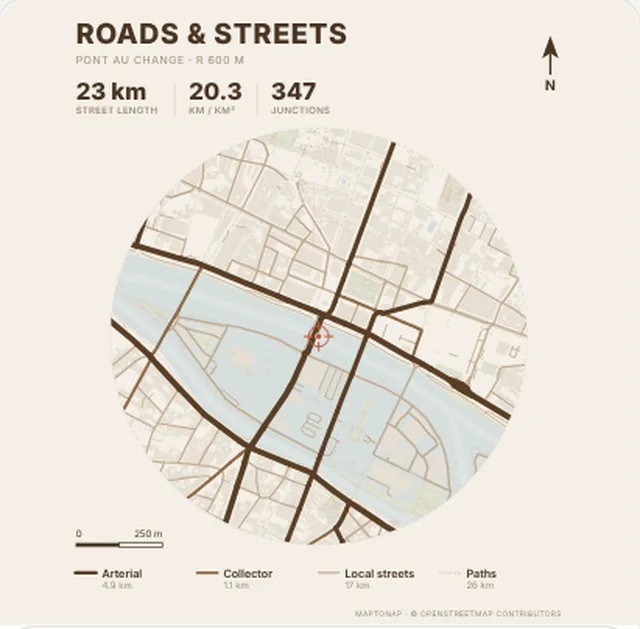
Streets and roads map in the Sepia palette, generated with MapToNap, Île de la Cité, Paris
Sepia
Coffee-brown streets on beige; a hand-drawn feel.
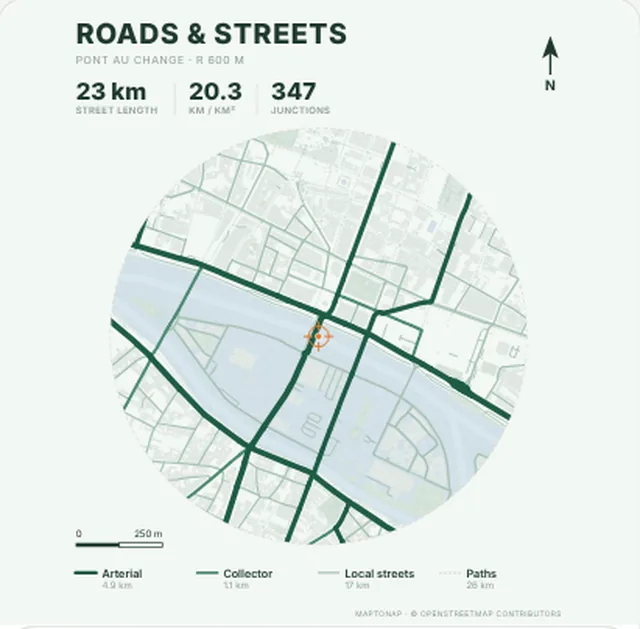
Streets and roads map in the Forest palette, generated with MapToNap, Île de la Cité, Paris
Forest
Forest-green streets that sit well with landscape sheets.
Streets and roads map in the Navy gold palette, generated with MapToNap, Île de la Cité, Paris
Navy gold
Gold arterials on deep navy; strong on a cover.
Green and water

Green and water palettes

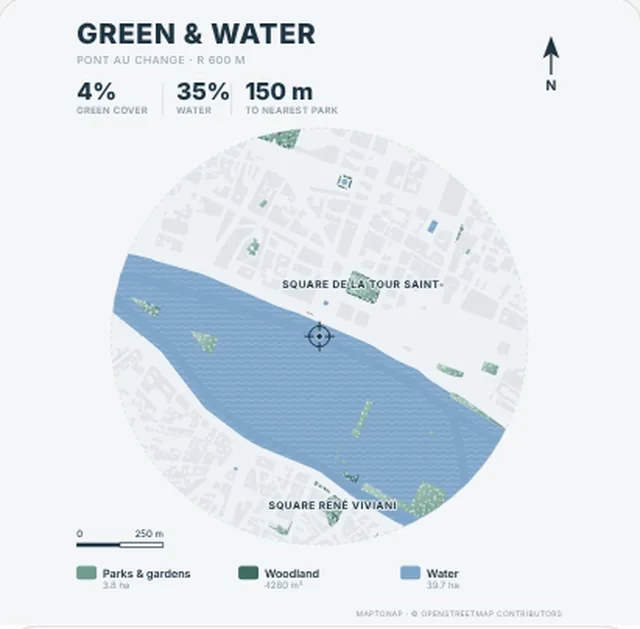
Green and water map in the Fresh palette, generated with MapToNap, Île de la Cité, Paris
Fresh
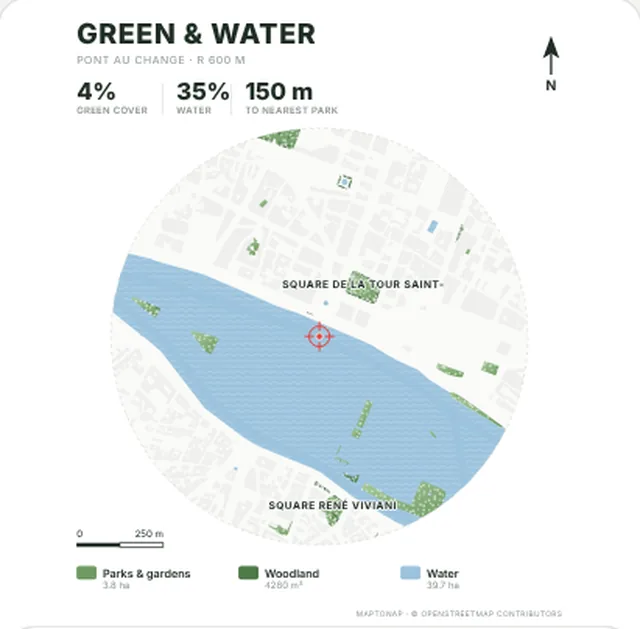
Standard grass green and water blue.
Green and water map in the Olive palette, generated with MapToNap, Île de la Cité, Paris
Olive
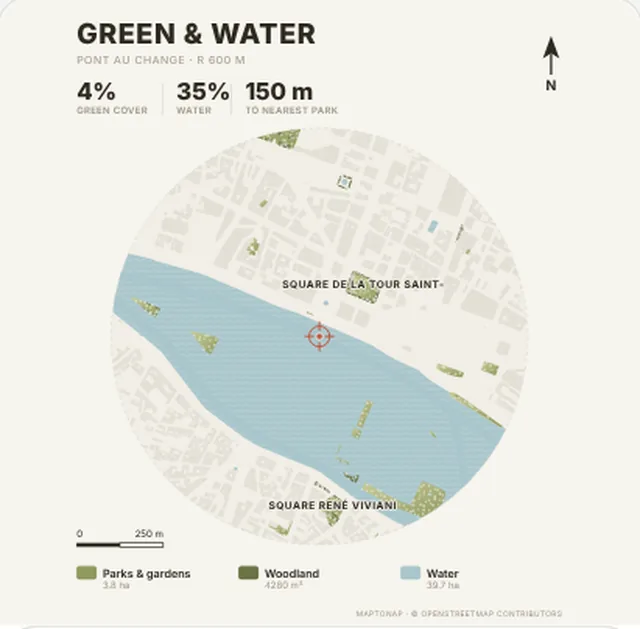
Olive and grey-teal water; low saturation.
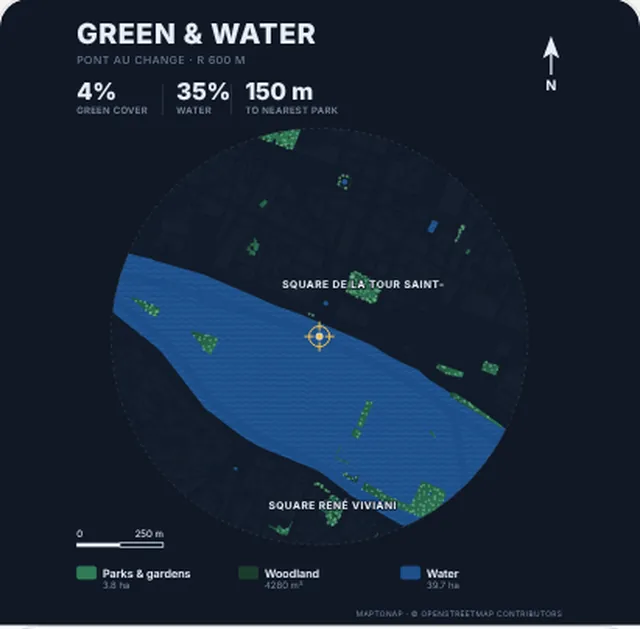
Green and water map in the Night green palette, generated with MapToNap, Île de la Cité, Paris
Night green
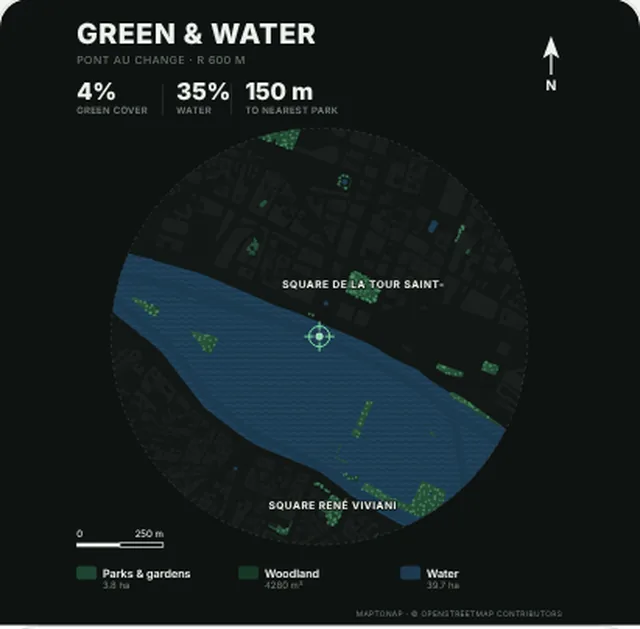
Emerald and deep blue on dark, for night themes.
Green and water map in the Mist palette, generated with MapToNap, Île de la Cité, Paris
Mist
Misty blue-greens that pair with the navy streets.
Green and water map in the Deep navy palette, generated with MapToNap, Île de la Cité, Paris
Deep navy
Greens on deep navy; a set with navy-gold streets.
Tips

Four habits that make diagrams look refined

One palette per set

Across one portfolio or review, keep figure-ground, streets, land use and green in the same family, so the set reads as one hand.

Save the accent for the site

Use red or orange only for the site and the one layer that matters; push everything else into greys and pale tones.

Dark palettes are for screens

Night and midnight schemes shine on a projector but print dark and heavy; for print, choose a light base.

Choose the board colour first

White, beige or black boards decide whether your diagrams should sit on a light or a dark base.

FAQ

Before you start

What colours make architecture diagrams look refined?

Low saturation, few colours and one accent. Palettes such as Terracotta, Fog blue or Kraft keep large areas in beige and grey-blue, and save one strong colour for the site or a key use.

Can I use these HEX codes in Illustrator, Photoshop or Rhino?

Yes. Click a swatch to copy its HEX code (for example #1F3B5C) and paste it into the colour panel of Illustrator, Photoshop, Rhino or SketchUp.

How many palettes should one portfolio use?

Ideally one. Keep every diagram in the same family with the same typeface and the set reads as one piece of work.

Can I apply these palettes to my own site?

Yes. Pick a site in MapToNap and generate; each diagram has swatches underneath to switch palette. Figure-ground, streets, land use and green and water are free.

Do dark palettes print well?

They are made for screens and projectors. In print they come out dark and heavy, so switch to a light-based palette for printed boards.

Related

Keep reading

Map data © OpenStreetMap contributors, licensed under the ODbL. Images are drawings generated with MapToNap.