What exactly is counted?
The average hours of direct sun per day for each point of the model, for a cloudless sky. Trees are not counted as obstacles. It is a design aid, not a daylight compliance calculation.
Sun hours colours the whole 3D model of your site by the average hours of direct sun per day: deep blue where the street never sees the sun, orange and red on the roofs and the open façades. Switch between winter, the equinox, summer and the whole year.
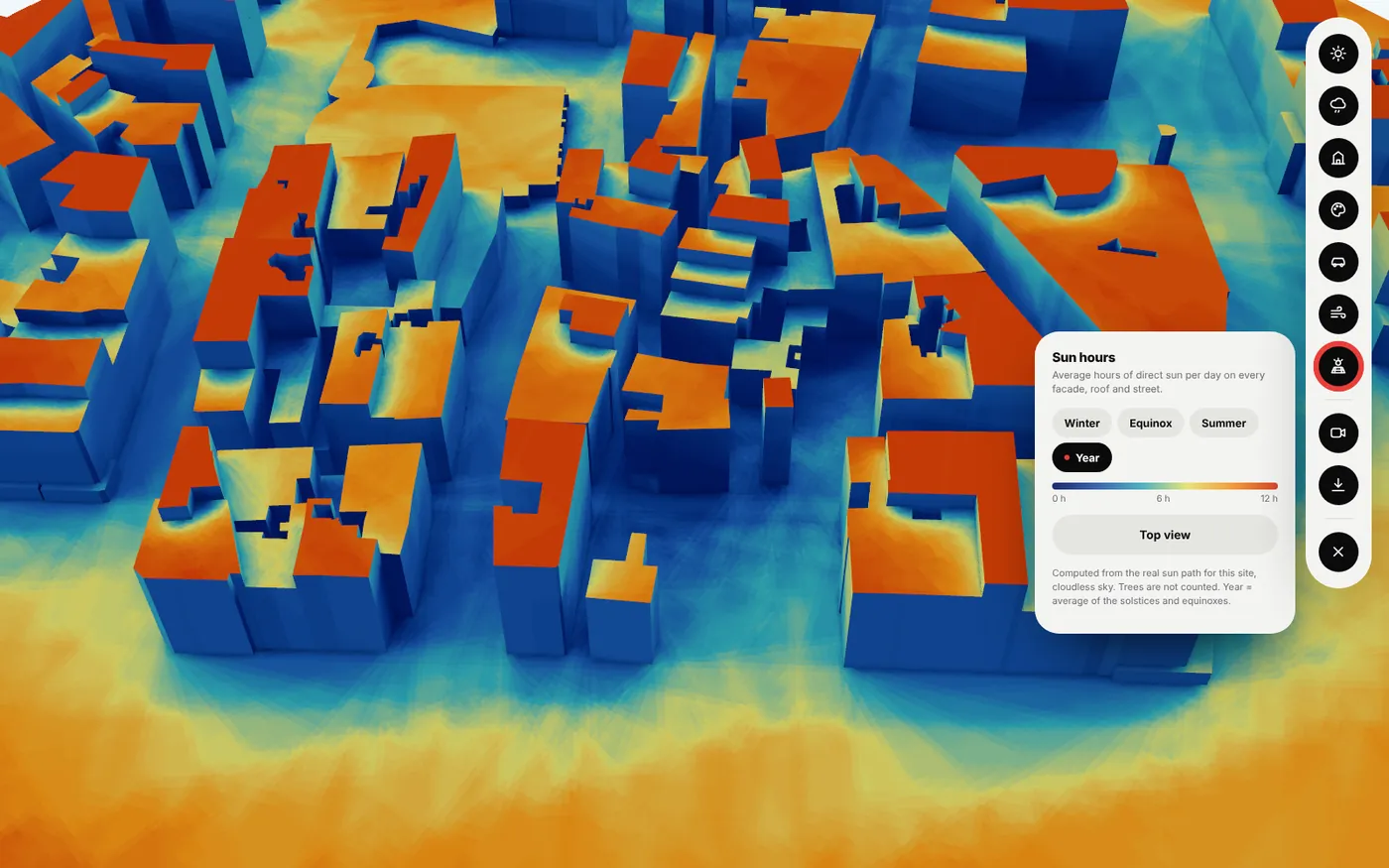
The sun positions follow the latitude and longitude of the site, so a block in Oslo and a block in Seville give very different maps.
Façades, roofs, courtyards and streets all get a colour, with the scale in hours per day next to the model.
Winter solstice, equinox, summer solstice, or a year average of the three. Use the top view for a plan, or orbit to read the façades.
Everything is drawn live by your graphics card. It runs best on a recent laptop or desktop; on older machines and phones it can be slow, and the laptop fan may start.
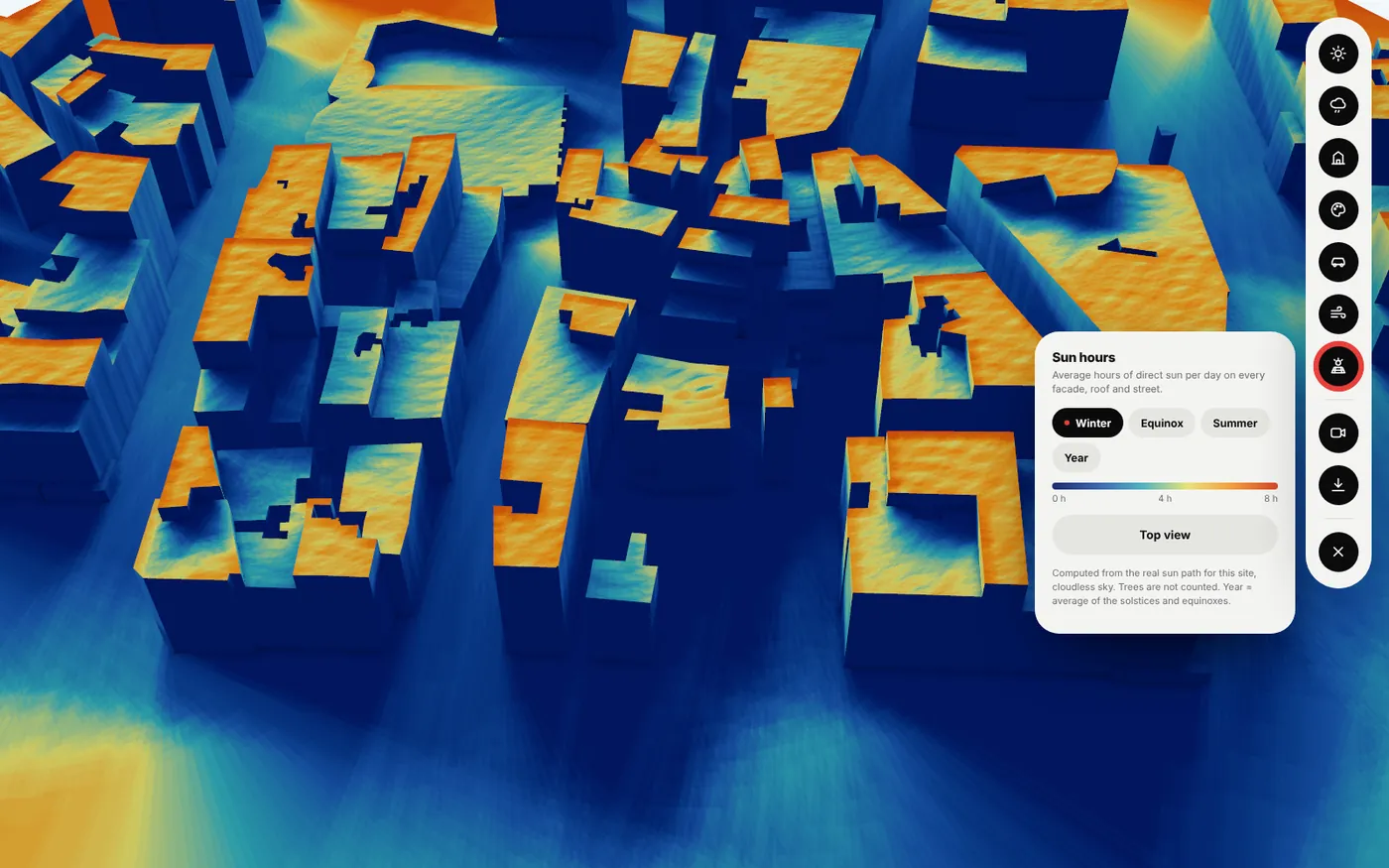
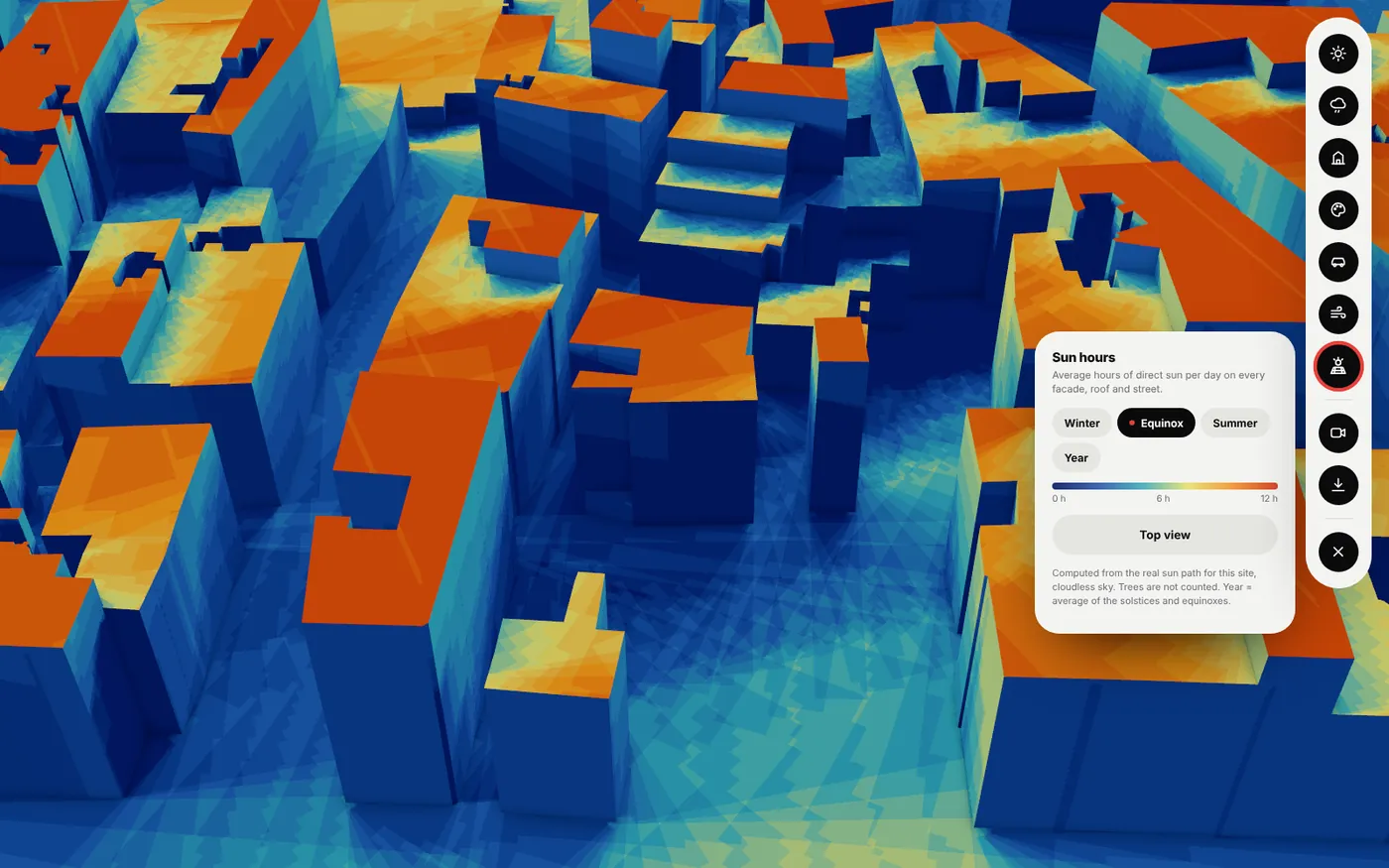
Map data © OpenStreetMap contributors, available under the Open Database Licence. The images are screenshots of the MapToNap 3D view, shown as previews.
Search an address or click the map, then open 3D Site and generate the model of the area.
On the 3D view, press Atmosphere. The model opens with the sky, light and shadows of that place.
Switch between the panels on the side, then save a still image or a 10-second video for your board or slides.
The average hours of direct sun per day for each point of the model, for a cloudless sky. Trees are not counted as obstacles. It is a design aid, not a daylight compliance calculation.
The sun path diagram draws where the sun is in the sky. Sun hours shows the result on the buildings: which façades and streets actually get the sun, and for how long.
Yes. Save a still image of the view for a board, or record a 10-second video while you orbit the model.
Atmosphere is part of 3D Site, which needs a MAX pass (€14.99 for 30 days or €49 for a year, one-time payment).
It runs in the browser and uses the graphics card heavily. A recent laptop or desktop works best; older machines and phones may be slow.