Is the layout made by AI?
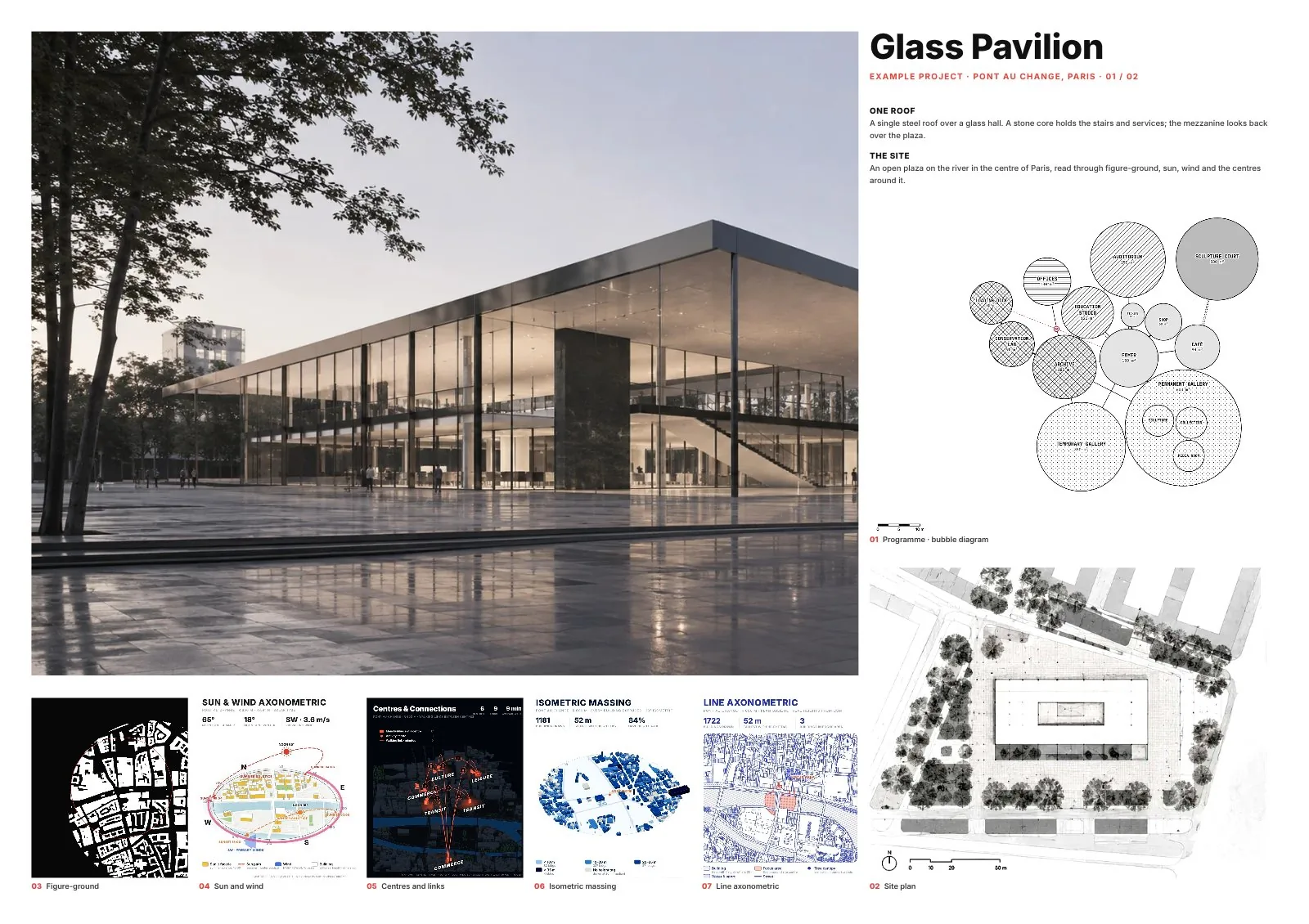
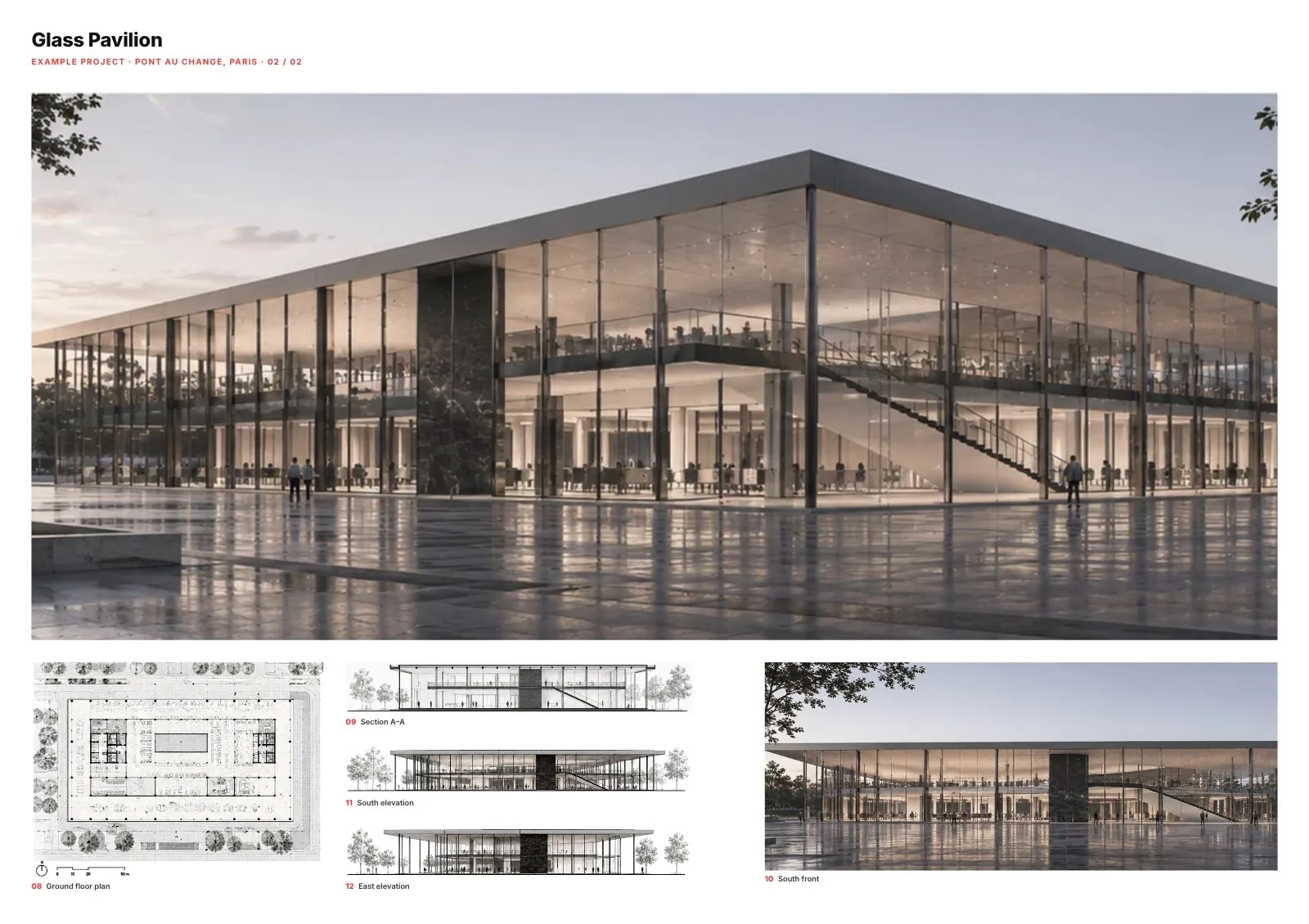
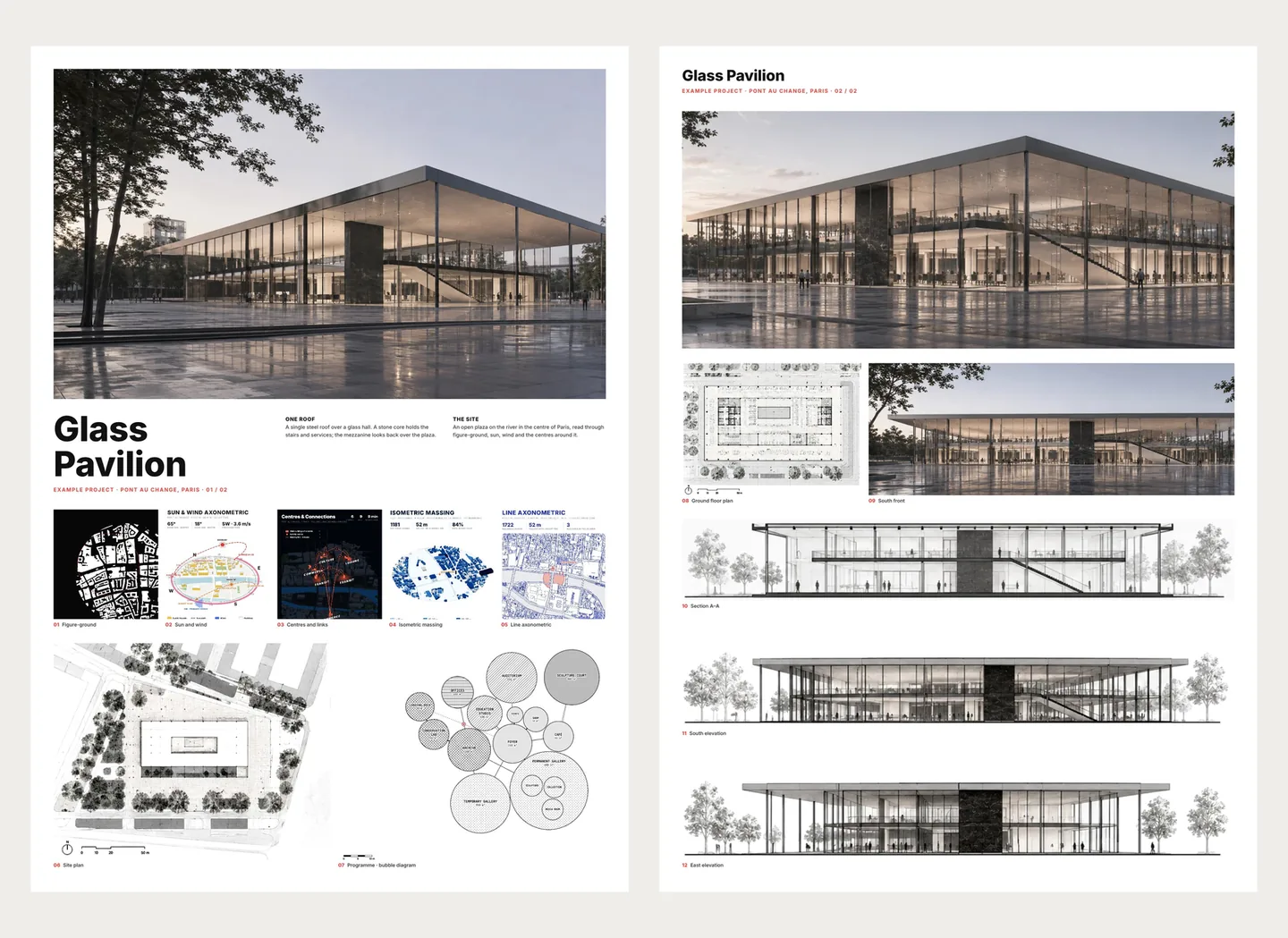
No. Boards uses explicit rules written by MapToNap: every picture gets a role from its tag, every role has size limits, rows share top and bottom edges on a 12-column grid, and each candidate is scored. Your images are never redrawn or altered.
Which pictures can I use?
Any JPG or PNG: renders, photos, plans, sections, elevations, axonometrics, bubble and concept diagrams, and every MapToNap drawing (press “Add to Boards” on any result).
What paper sizes and orientations?
A1, A2 and A3, portrait or landscape, one to several boards. Pictures are shared across the boards in reading order: site, concept and drawings, then atmosphere.
Can I change the layout after it is made?
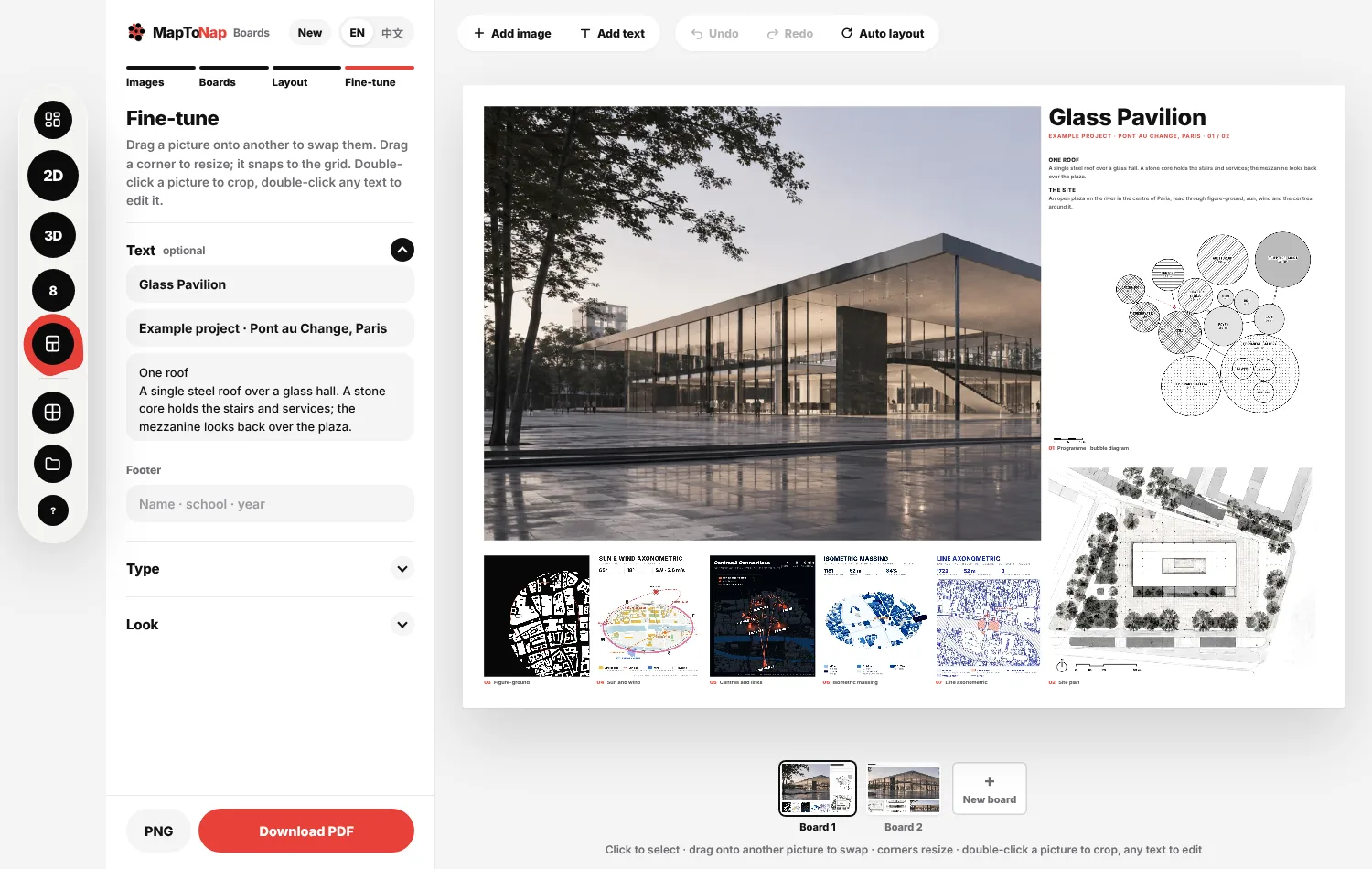
Yes. Drag a picture onto another to swap them, resize from the corners with grid snapping, double-click to crop, edit any text, move pictures between boards, or press Auto layout to go back to the rules.
What if a board looks empty?
The layout first lets photographs take the spare room (within crop limits). If a sheet is still more than about 7% empty, a one-tap hint offers “One board fewer” or “Try another layout”; with fewer than four pictures it offers to add some.
Is it free? Where do my files go?
Boards is part of Max. Everything runs in your browser: your pictures are not uploaded, and the session is autosaved on this device.