Does MapToNap work with SketchUp?
Not as a plugin. Import the OBJ or GLB site model, and place the SVG or PDF sheets on your boards.
Context plugins build a 3D city model inside SketchUp, often with aerial imagery, roads, terrain and trees. MapToNap starts from the same kind of open map data but draws the sheets that go on a site-analysis board, and exports a 3D site model for Rhino. This page is written by the MapToNap team. We compare kinds of tool rather than named products, and describe each by what it does best.
| SketchUp context plugins | MapToNap | |
|---|---|---|
| Core job | Instant 3D context inside the modelling program | Site-analysis drawings plus a 3D site model |
| Runs in | A plugin for a desktop modelling program | Any browser, nothing to install |
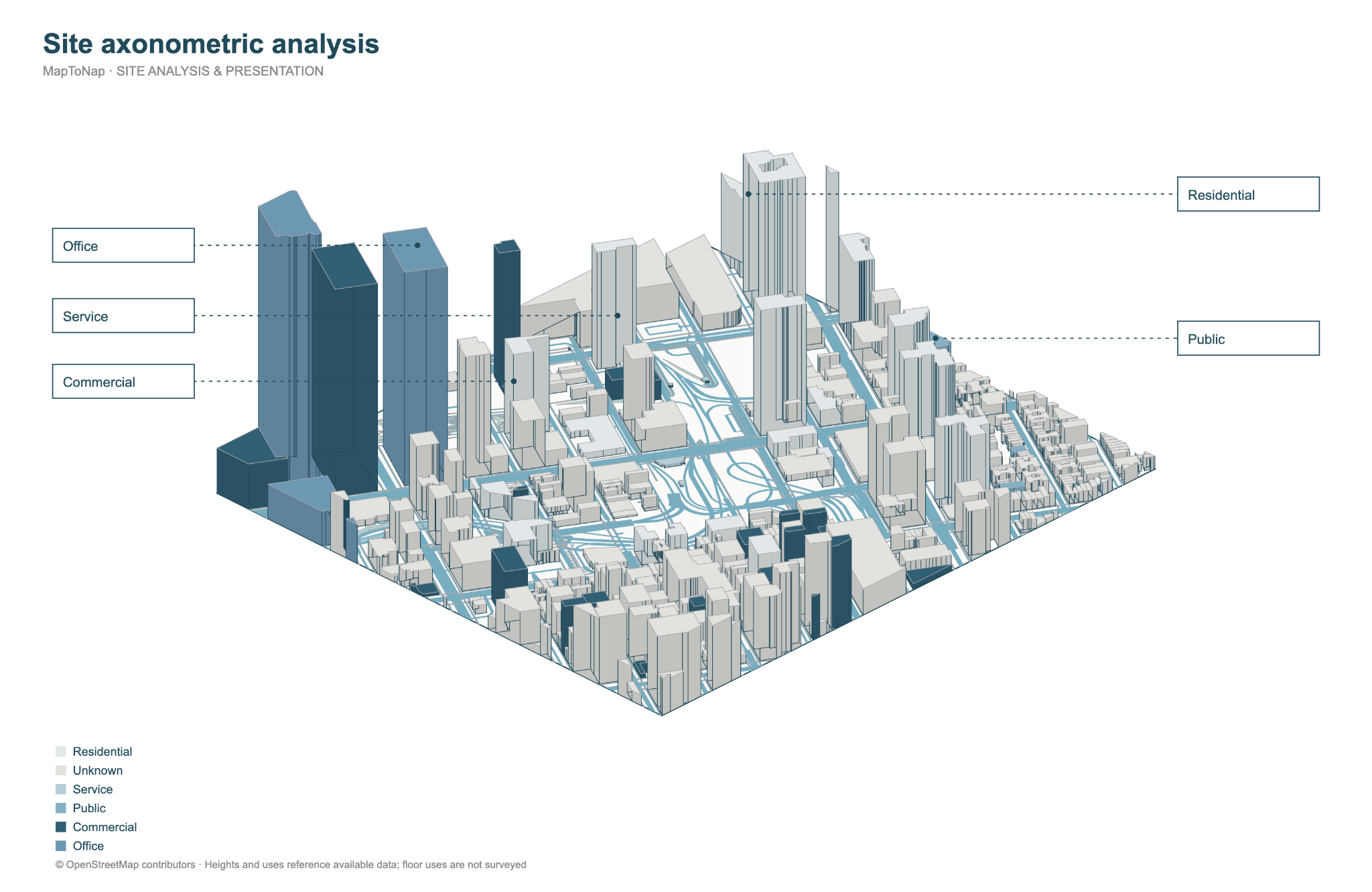
| 3D model | Buildings, roads, water, trees; often aerial imagery and detailed buildings in some cities | Buildings, terrain, roads, water, green and trees; 3DM, OBJ, GLB up to 4 km² |
| 2D analysis | Not the focus: you draw it yourself | 51 analysis sheets as editable SVG and PDF |
| Typical pricing | Usually an annual licence | Four drawings free (watermarked, no sign-up); Pro €7.99 or Max €12.99 for 30 days, Max for a year €49. One-off passes, nothing renews. |
Checked 25 October 2026. The left column describes what tools of this kind typically offer; individual products differ, so check the one you are considering. Features and prices change.
You model in SketchUp all day and want aerial imagery on the ground plane inside the model.
You need the analysis drawings for a board, or you work in Rhino.
Both rely on OpenStreetMap buildings; quality follows the local mapping.
Keep the plugin for the model; generate the sheets in MapToNap.
Roads and buildings line up when you overlay the outputs.
MapToNap's OBJ or GLB site model also opens in SketchUp.
Not as a plugin. Import the OBJ or GLB site model, and place the SVG or PDF sheets on your boards.
MapToNap sells 30-day passes (€7.99 Pro, €12.99 Max), and four drawings are free. Plugins are usually sold as annual licences.
For renders, often yes, and plugins are good at it. For analysis drawings, MapToNap draws clean vector sheets instead.
No. It runs in the browser.