Can MapToNap replace a CAD context download?
For sites up to about 4 km² and Rhino, OBJ or GLB workflows, often yes. For much larger areas or DWG output, a dedicated CAD download service is the better fit.
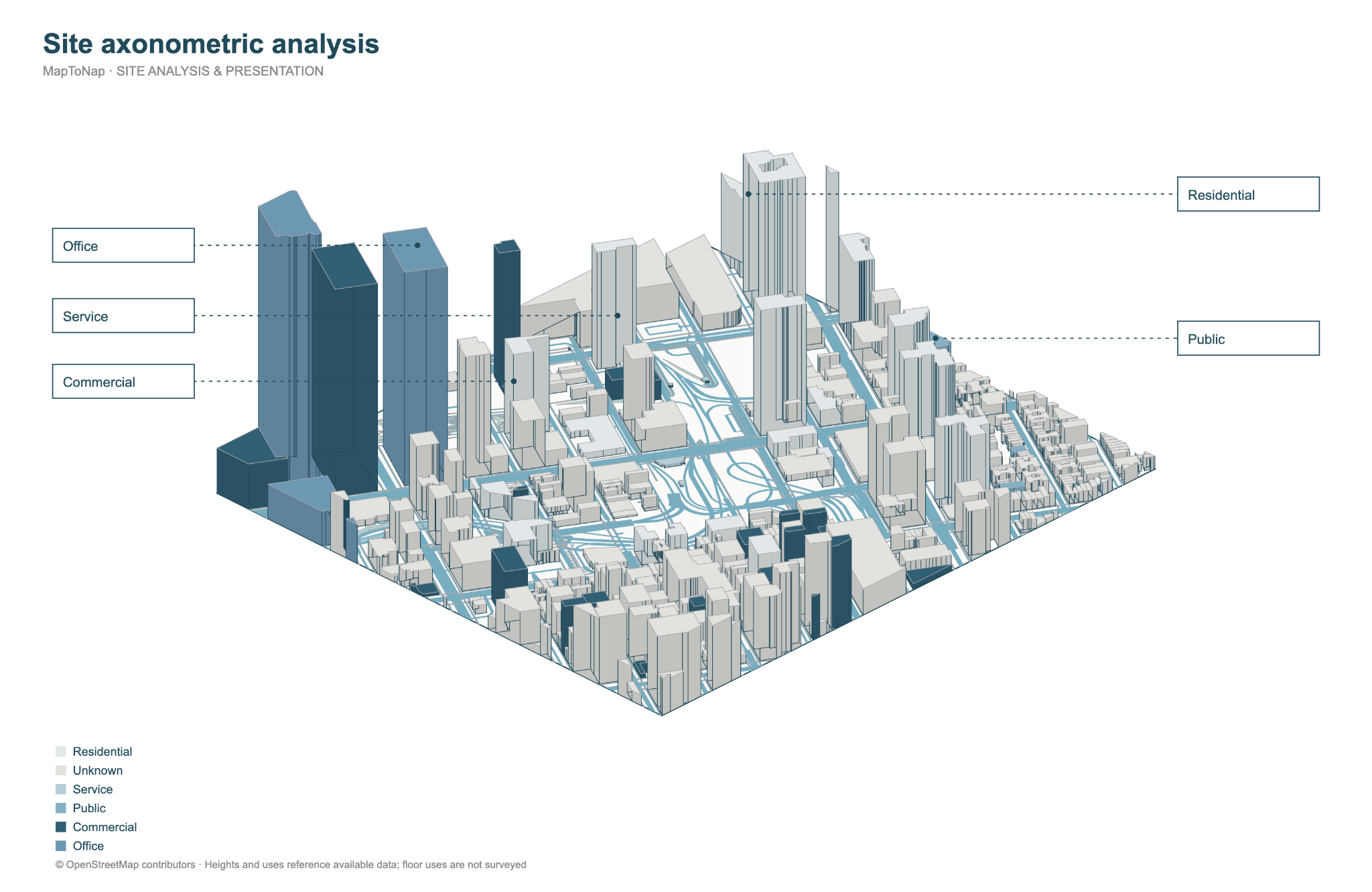
CAD context services turn public map data into organised CAD files of buildings, roads and terrain for an area. MapToNap now exports a 3D site model too, as Rhino 3DM, OBJ and GLB, but its main job is what comes after the download: 51 site-analysis drawings for the same site. This page is written by the MapToNap team. We compare kinds of tool rather than named products, and describe each by what it does best.
| CAD context downloads | MapToNap | |
|---|---|---|
| Core job | Organised CAD geometry of an area for your design software | Analysis sheets plus a 3D site model for the same site |
| 3D context | Buildings, roads, terrain; layered for CAD | Buildings, terrain, roads, water, green and trees |
| Formats | DXF and native files for common CAD and 3D programs | Rhino 3DM, OBJ, GLB; sheets as SVG, PDF, PNG |
| Area | Often very large areas on paid plans | 3D export up to 4 km²; analyses up to a 3 km radius |
| 2D analysis | None: you analyse and style the geometry yourself | 51 generated analyses: streets, land use, climate, noise, walking, urban growth and more |
| Typical pricing | Small areas often free, larger areas paid per file or by subscription | Four drawings free (watermarked, no sign-up); Pro €7.99 or Max €12.99 for 30 days, Max for a year €49. One-off passes, nothing renews. |
Checked 25 October 2026. The left column describes what tools of this kind typically offer; individual products differ, so check the one you are considering. Features and prices change.
You need a very large area, a specific CAD format such as DWG, or geometry is the end point of your work.
The deliverable is a context model plus a set of site-analysis drawings, kept in one project.
If you only need the base file, MapToNap's analysis tools may be more than you need.
Download the large-area CAD file; generate the plot-scale analysis sheets in MapToNap.
Most of these services and MapToNap start from OpenStreetMap, so the footprints line up.
SVG and PDF sheets import into the same CAD file as the downloaded context.
For sites up to about 4 km² and Rhino, OBJ or GLB workflows, often yes. For much larger areas or DWG output, a dedicated CAD download service is the better fit.
The analysis: figure-ground, streets, land use, green and water, sun, wind, noise, walking, urban growth and more, as editable drawings in one graphic style.
The 3D site model is part of Max (€12.99 for 30 days). Four 2D analysis drawings are free without signing up.
Anywhere OpenStreetMap is well mapped. Check the building and road coverage around your site first.