Home / Archshaper alternative
Archshaper alternative

A site plan is one drawing. A project needs twelve.

Archshaper produces scale-accurate site maps, plot plans and master plans, exported as SVG, PNG and PDF. That covers one drawing well. The problem is that a studio project is never one drawing — it is an analysis set, a concept, a strategy, circulation, a plan, a section and a board, and they all have to look like they came from the same person.

12 tools30+ analysis typesSVG · DXF · PDF
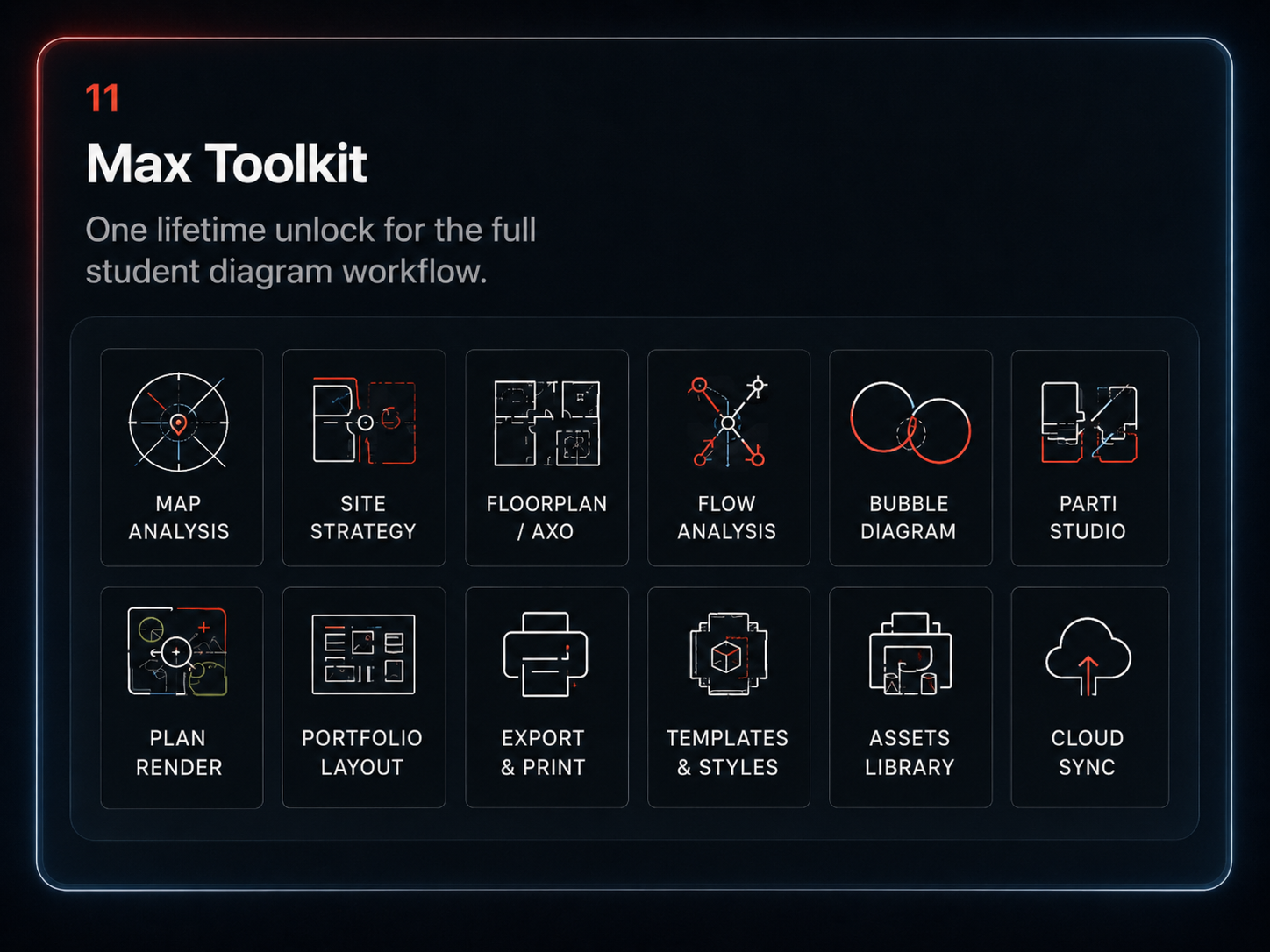
The full MapToNap architecture toolkit
Side by side

Where each tool stops

ArchshaperMapToNap
Core outputSite maps, plot plans and master plansSite plans plus the full studio sequence
Analysis diagramsNot the focus30+ types: movement, land use, green and water, zoning, nodes, sun, wind
Concept and strategyNot coveredSite concept, site strategy, parti sequences
Circulation and programmeNot coveredFlow diagrams and bubble diagrams
Plans, sections, 3DNot coveredFloorplan and axonometric, plan render, elevation and section, 3D city context
Final boardNot coveredLayout Board at A1, A2 and A3
Export formatsSVG, PNG, PDFSVG, DXF, vector PDF, PNG
Shared graphic languageWithin one planThemes carry across every tool in the set

Comparison based on the capabilities each tool publishes on its own site, checked September 2026. Archshaper is a product of its respective owner and is not affiliated with MapToNap. Features change — check both before you decide.

Be honest about it

When a single-purpose tool is enough

You need exactly one plan

If the job is one clean site plan for one drawing, a tool that only does that is less to learn and perfectly sufficient. Use it.

You already have a graphic system

If your office or studio has its own established drawing language and you only need clean base geometry to pour into it, breadth is not worth paying for.

You are not making a set

MapToNap earns its keep when the same project needs eight or ten coordinated drawings. For a one-off, that advantage does not apply.

Where MapToNap wins

Consistency is the thing you cannot fake at 2am

One palette, every drawing

Themes apply across analysis, concept, plan and section, so the set reads as one project rather than as separate exercises stitched together.

No tool-hopping

Site plan, circulation, bubble diagram, axonometric and board all live in one workspace, so nothing has to be re-exported and re-styled between steps.

Geometry you can still take away

DXF and SVG mean the drawings stay editable in AutoCAD, Rhino, Illustrator and InDesign when you need to push them further.

Frequently asked questions

Clear answers before you switch

What is the difference between Archshaper and MapToNap?

Archshaper focuses on producing scale-accurate site maps, plot plans and master plans, exported as SVG, PNG and PDF. MapToNap treats the site plan as one step in a twelve-tool sequence that also covers analysis diagrams, concept and strategy, flow and bubble diagrams, floor plans and axonometrics, plan and elevation rendering, and the final portfolio board.

Does MapToNap export DXF?

Yes. Exports include SVG, DXF, vector PDF and PNG, so the geometry can be taken into AutoCAD, Rhino, Illustrator or InDesign.

When is a single-purpose site plan tool the better option?

If all you need is one clean site plan and nothing else, a tool that does only that is less to learn. MapToNap pays off when the same project needs a whole coordinated set of drawings.

Do the diagrams share a visual style?

Yes. Themes apply across the tools so analysis, concept, plan and section drawings read as one project instead of separate exercises.

Are the outputs AI-generated images?

No. They are produced from real map data and rule-based, editable geometry rather than AI image generation.

Can I try it before paying?

Yes. Four site analysis diagrams are available as a watermarked trial with no signup, so you can judge the output on your own site first.
Related tools

See the rest of the sequence